- 9 -
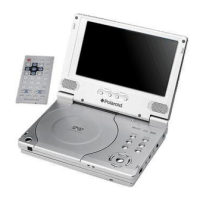
Remote Control
Remote Control
1. INFO button
Press for detailed information on the
disc. Press the button again to
remove information from screen.
2. PWR button
Press to turn unit ON or OFF.
3. TITLE button
Press to display title menu if
present on the disc.
4. Direction buttons
Press to select menu items.
5. ENTER button
Press to confirm the items or
settings.
6. SETUP button
Press to access the DVD player’s
setup menu.
7. Number buttons
Select numbers by pressing these
buttons.



 To Next Page
 Loading...