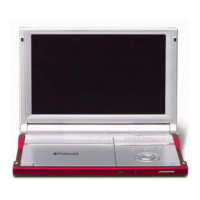
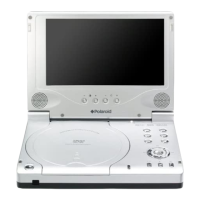
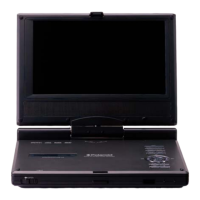
To attach the DVD Player Case to a seat back (Photos 1 & 2):
1. Unzip the main compartment that holds the player; locate the set of rings
tucked inside the top edge of the case (A).
2. Locate the 2 straps with hooks on each end.
3. Hook one end of each strap to the rings at the top of the case (A).
4. Criss-cross the straps around the front of the headrest (B) and hook the
straps to a second set of rings on the lower part of the case (C).
5. Tighten up the straps until secured.
Photo 1 Photo 2
Carrying Case



 To Next Page
 Loading...