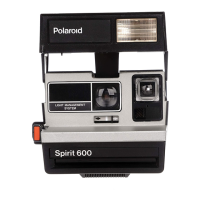
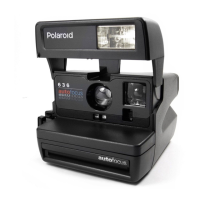
To hold the camera
Grip it firmly in the palm of your
left hand, thumb and fingers behind
the hinge (A).
Place your right thumb on the semi-
circle, index finger on the shutter
button, and curl the other fingers
into your palm.
It's important to hold the camera
as shown. Then, when you squeeze
the shutter button, your fingers will
not press against the bellows or
block the picture exit slot in front.
11



 To Next Page
 Loading...