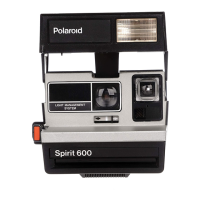
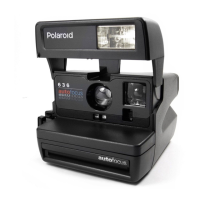
To aim and shoot
Bring your eye close to the view-
finder eyepiece so you can see ail
four corners of the black frame
inside.
Squeeze the shutter button ail
the way. Hold the camera steady
until the film is ejected.
Remove and handle the developing
picture by its wide white border.
13



 To Next Page
 Loading...