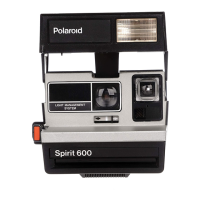
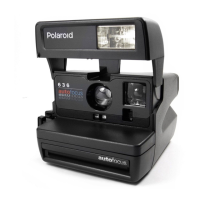
To load the film
Push down on the yellow bar (A).
The film doorwill drop open.
Hold the film pack by its edges
only. (Gripping the pack above and
below the yellow tab may damage
the film.)
Push the film pack into the camera
until the narrow strip (B) snaps
open. Close the film door. The
camera will eject the film cover.
To remove an empty pack, pull
the yellow tab.
B



 To Next Page
 Loading...