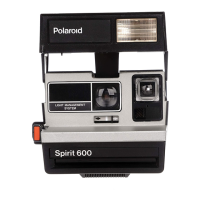
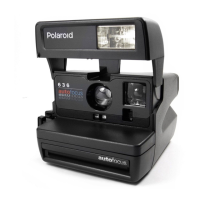
To
use the focus wheel: Look
at
the
most important part of the scene.
Roll the focus wheel all the way
in
one direction, then all the way
in
the other. Notice that the image
changes from fuzzy
to
sharp and
back
to
fuzzy.
Return the wheel
to
the point where
your subject began to look sharp
and clear. Now roll
it
a bit
in
each
direction until you're sure your
subject is
as
sharp and clear
as
possible.
You
can check your ability
to
focus accurately by comparing
the setting
on
the distance scale
around the lens with the actual
camera-to-subject distance.
29



 To Next Page
 Loading...