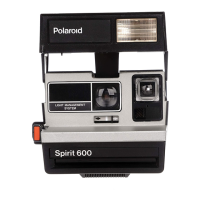
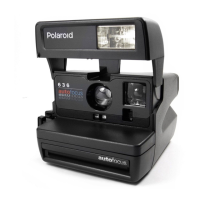
To
open
and
close
the
camera
Opening: Hold the camera in the
palm of your left hand. Lift the thin
end of the viewfinder cap and pull it
straight up until the cover support
(A) locks.
Closing: Push the cover support
toward the rear of the camera. Press
down
on
the viewfinder
cap
until
both sides of the camera latch.
3
7



 To Next Page
 Loading...