Once you’ve made some patterns, you can use the Pattern mode to chain them together in
the desired order to form complete arrangements. Here you can chain existing patterns in
compositions with the desired order of playback. This is a very flexible approach to what is
often referred to as ‘song mode’. You can define many songs, separate song chapters, or
multiple groups of pre-arranged patterns.
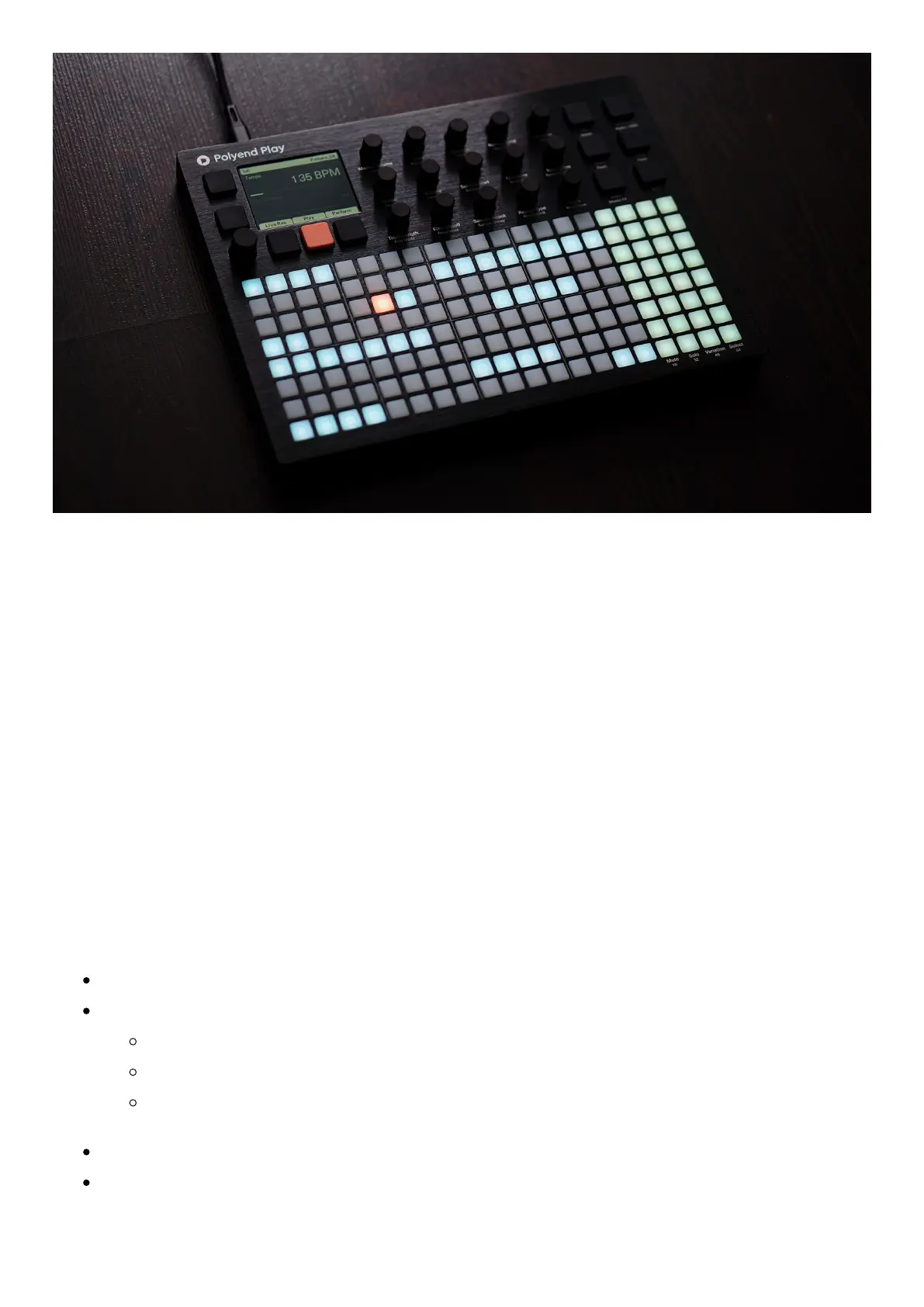
In Pattern mode, patterns occupy a single pad on the grid, and a pattern is chained to any
adjacent pattern. You can make one long sequence and play it as a whole. Or make a few
discrete, separate shorter pattern sequences representing different parts of your
composition. You can then manually switch between them while performing live.
Basic Patterns mode rules and operations:
Press Pattern to switch to pattern selection mode.
Press a pad to load the pattern or to create a new one if the slot is empty.
The currently loaded pattern is lit orange.
Available patterns are light blue.
Empty patterns are off (not highlighted).
Press Play to start and stop playing the current pattern in loop mode.
Press Shift + Play to start playing patterns sequentially.


 To Next Page
 Loading...

