Unlike in other instruments, in Polyend Play, you are selecting the MIDI Channel and
output type (MIDI TRS and/or USB) per step, not per track. While in MIDI sequencing
mode, use the Sample/Folder knob to adjust these settings.
When the instrument is playing back information received via its MIDI inputs, and when
no track or step is selected, it will use values from the ‘work step’ (except the note,
because this one is taken from the MIDI input information). In such a scenario, Play
becomes sort of a MIDI hub, and its Smart Soft-thru mechanism redirects notes from
input to any selected output and channel. Length is ignored, Scale and Chord apply.
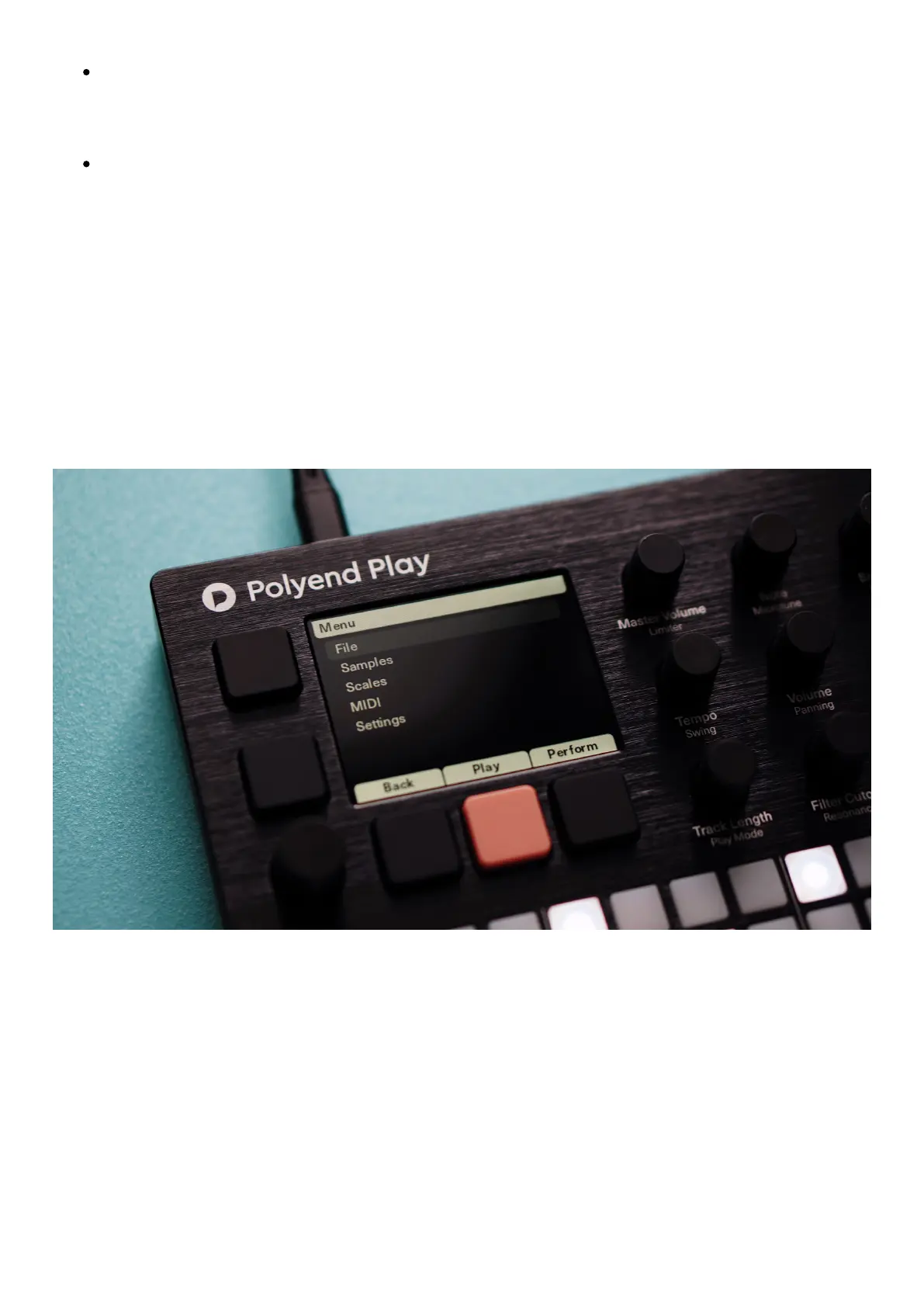
Main Menu
Click the Encoder to enter the Main Menu section.
File



 To Next Page