Polycom VVX with Plantronics CS500 Series Headset User Guide
Connecting and using the headset with and without the Hands Free Adapter Cable
© POPP.com, Inc. All rights reserved.
For service, call 763-797-7900 or visit www.popp.com
Using the Plantronics CS500 Series Headset with the Polycom VVX Series Telephone
Pictured: Plantronics CS530
With Plantronics Headset
Hands-Free Adapter:
(sold separately)
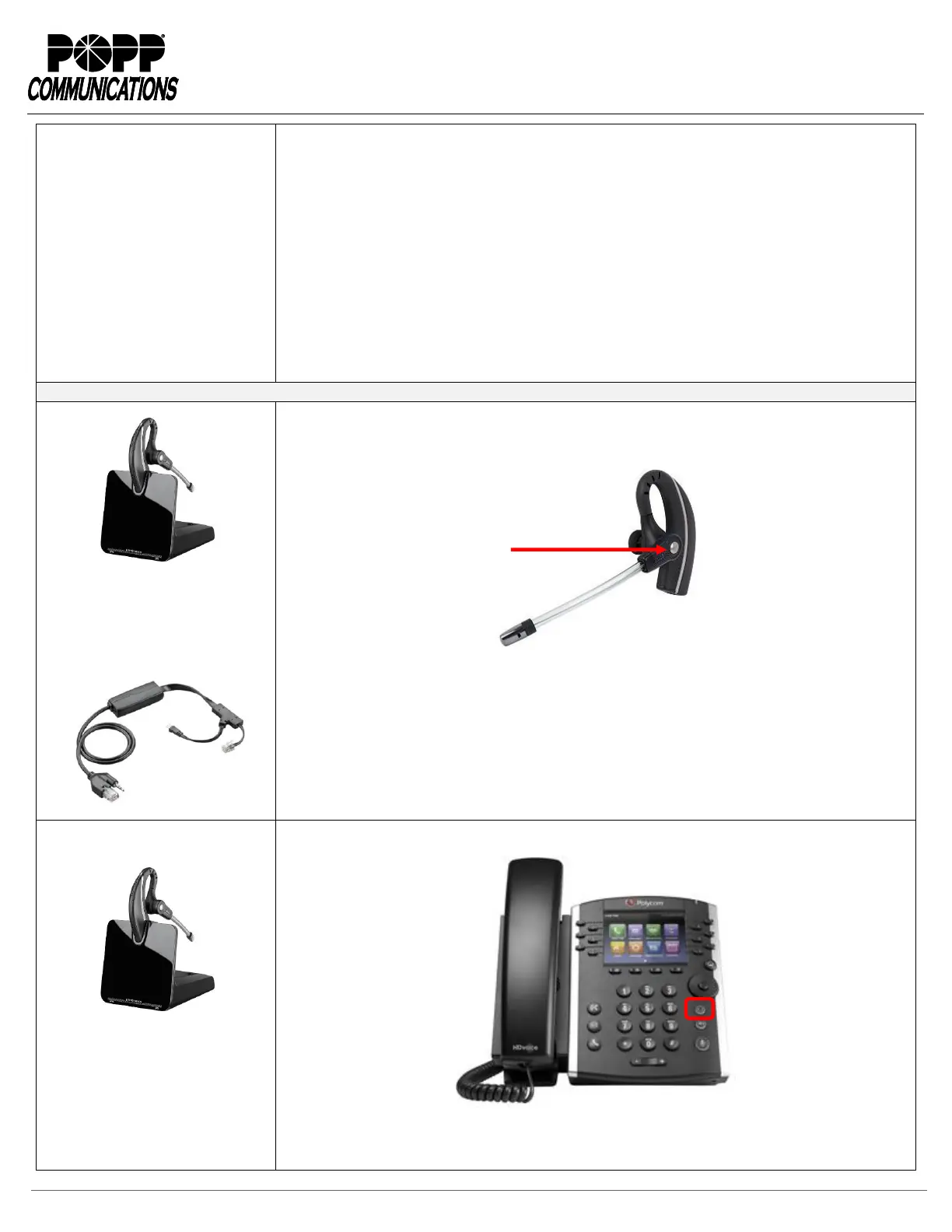
1. Press the Call Control button on the Plantronics headset to answer or end calls. The headset
plays a notification in the earpiece when an incoming call is ringing.
Pictured: Plantronics CS530 Headset
Pictured: Plantronics CS530
With Plantronics
Telephone Interface Cable:
(included in Plantronics headset box)
1. Press the Headset key on the Polycom telephone to answer or end calls.
Pictured: Polycom VVX Series Telephone
2. Press the Call Control button on the Plantronics headset if the headset is not already powered
on. To conserve battery power, press the Call Control button again when the call is finished to



 To Next Page