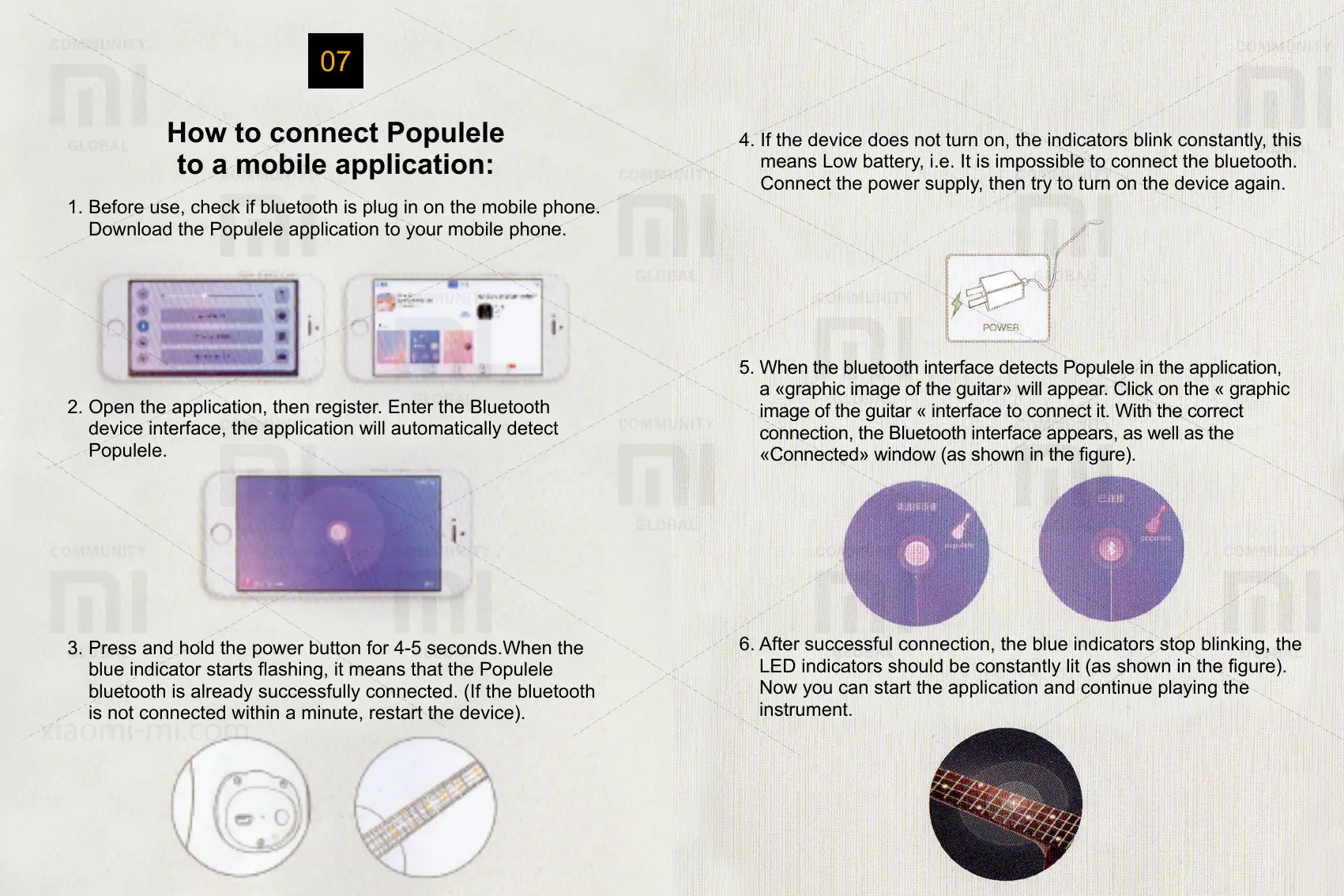
4. If the device does not turn on, the indicators blink constantly, this
means Low battery, i.e. It is impossible to connect the bluetooth.
Connect the power supply, then try to turn on the device again.
5. When the bluetooth interface detects Populele in the application,
a «graphic image of the guitar» will appear. Click on the « graphic
image of the guitar « interface to connect it. With the correct
connection, the Bluetooth interface appears, as well as the
«Connected» window (as shown in the gure).
6. After successful connection, the blue indicators stop blinking, the
LED indicators should be constantly lit (as shown in the gure).
Now you can start the application and continue playing the
instrument.
How to connect Populele
to a mobile application:
07
1. Before use, check if bluetooth is plug in on the mobile phone.
Download the Populele application to your mobile phone.
2. Open the application, then register. Enter the Bluetooth
device interface, the application will automatically detect
Populele.
3. Press and hold the power button for 4-5 seconds.When the
blue indicator starts ashing, it means that the Populele
bluetooth is already successfully connected. (If the bluetooth
is not connected within a minute, restart the device).



 To Next Page
 Loading...