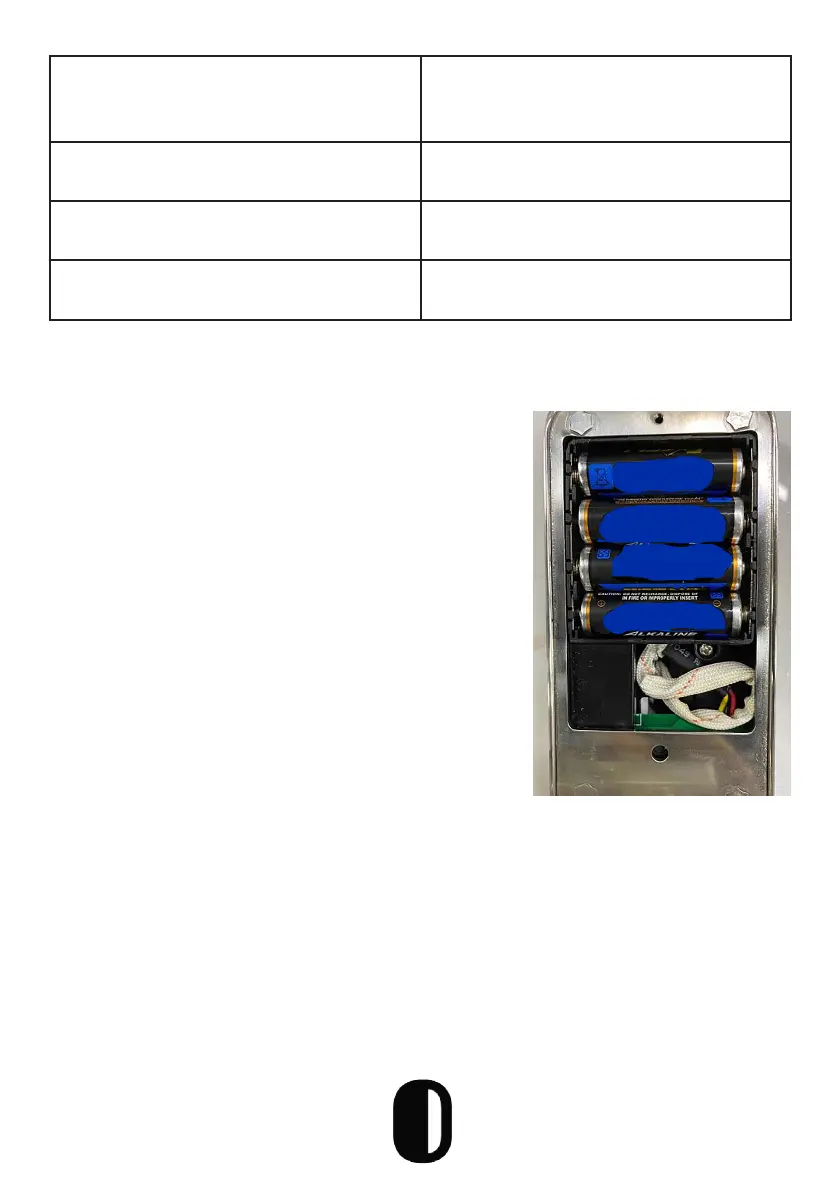
Resetting the Lock
Open the cover plate of the back
panel, press the “Reset” button on
the back for 5s, then press “000#”
and the initialization is complete
25
6.) How many times can I put the
incorrect password before it locks
me out?
Enter wong 5 times and it locks for
30 seconds
7) How many records can be kept
on the lock?
• Bluetooth: 500
• Non-Bluetooth: 10,000
8) How many locks can match at
the same time?
No limit
9) I cannot automatically wake lock
when unlocking
Change the spring wire


 To Next Page