Frequently Asked Questions (FAQ)
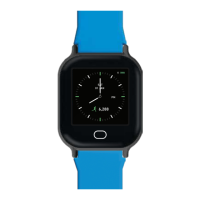
1. How do I set up my child’s Smart Buddy watch?
Follow the guides here to set up your child’s Smart Buddy Watch.
Note: Each Smart Buddy Watch has a unique Bluetooth serial number. Please press the function button on the watch until
the watch serial number appears on the display.
2. What is BLE ID?
The BLE ID is unique to each watch and is used by the phone and the Smart Buddy system.
This ID is used for the following processes in the Smart Buddy Mobile App.
Watch set-up : You will be prompted to identify this watch on the mobile app to assign to
child.
Watch syncing : Once the watch has been assigned to the Smart Buddy Mobile App, the
syncing feature on the mobile app will look for the BLE ID to sync data from the watch to
the mobile app.
Refer to our Smart Buddy Mobile App guide here.
Refer to our Smart Buddy Help & Support page here with all your payment/ accounts questions
answered.
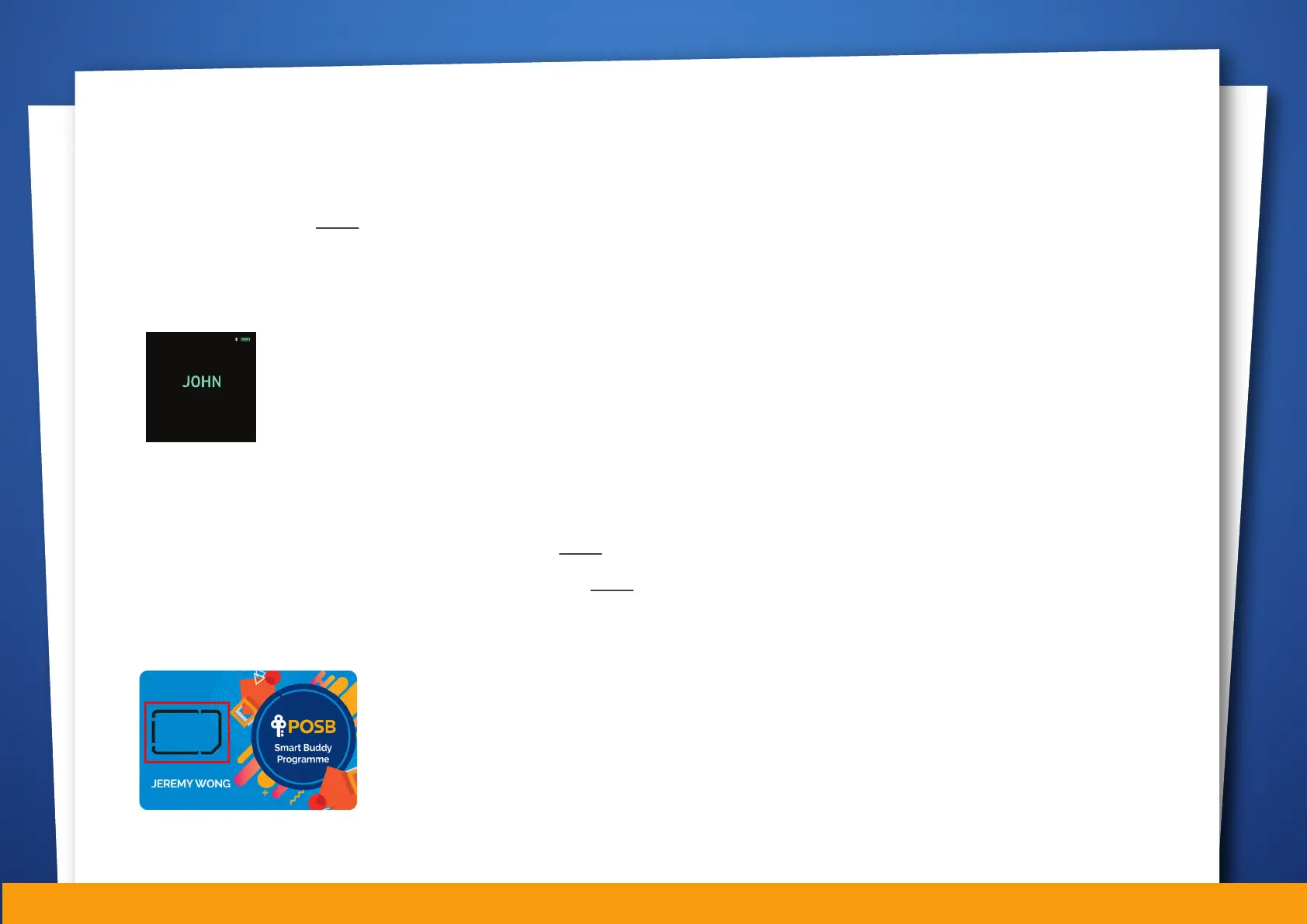
3. How do I find the Smart Buddy Card number?
If you are using the Smart Buddy Watch, check the payment chip in the watch.
The number is indicated in yellow, on the back of the payment chip.
10
BLE ID 100800
FW Version 0.01
08:52PM
LONG PRESS TO EXIT


 To Next Page
 Loading...