
 Need help?
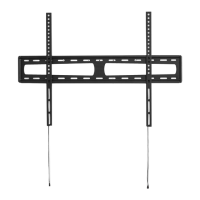
Do you have a question about the poss PSWMT792F and is the answer not in the manual?
Instructions for mounting the product on solid concrete walls using specific hardware.
Instructions for mounting the product on wood stud walls using specific hardware.
Detailed steps for attaching mounting brackets to the television screen.
Guidance for mounting on TVs with curved backs or obstructions.
Procedure for safely hanging the assembled TV onto the prepared wall plate.
 General
| Model | PSWMT792F |
|---|---|
| Material | Steel |
| Color | Black |
| Swivel Angle | +90°~-90° |
| Installation | Wall Mount |

 To Next Page