3
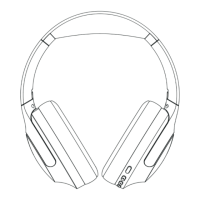
(2) Power on/off the headse
◆ Power on: Slide the switch right and the blue
and red indicator light will ash (the headset
said:the wireless is ready to pair).
◆ Power off: Slide the switch left and blue
indicator light will go off.
(3) Pair to your mobile phone or other
products
◆ Slide the switch right and the blue and red
indicator light will ash (the headset said:the
wireless is ready to pair).
◆ Turn on the bluetooth function of your phone or
other products.
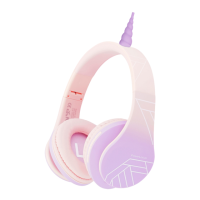
◆ Search for the bluetooth devices and select”P2
Unicorn”.
◆ If paring is successful,the blue light indicator
starts ashing (the headset said:the wireless is
connected successfully).
◆ Please make sure the headphone is working
before pairing.
◆ It will connect to the pre-set phone
automatically when turns on (Please make sure
the bluetooth function of your phone is working).
◆ If the pairing is not successful, please switch off
headset rstly, and then re-pair again.


 To Next Page