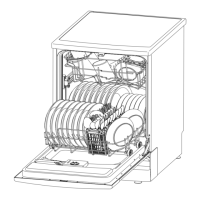
To get the best performance from your dishwasher,read all operating instructions before using it for the
first time.
2
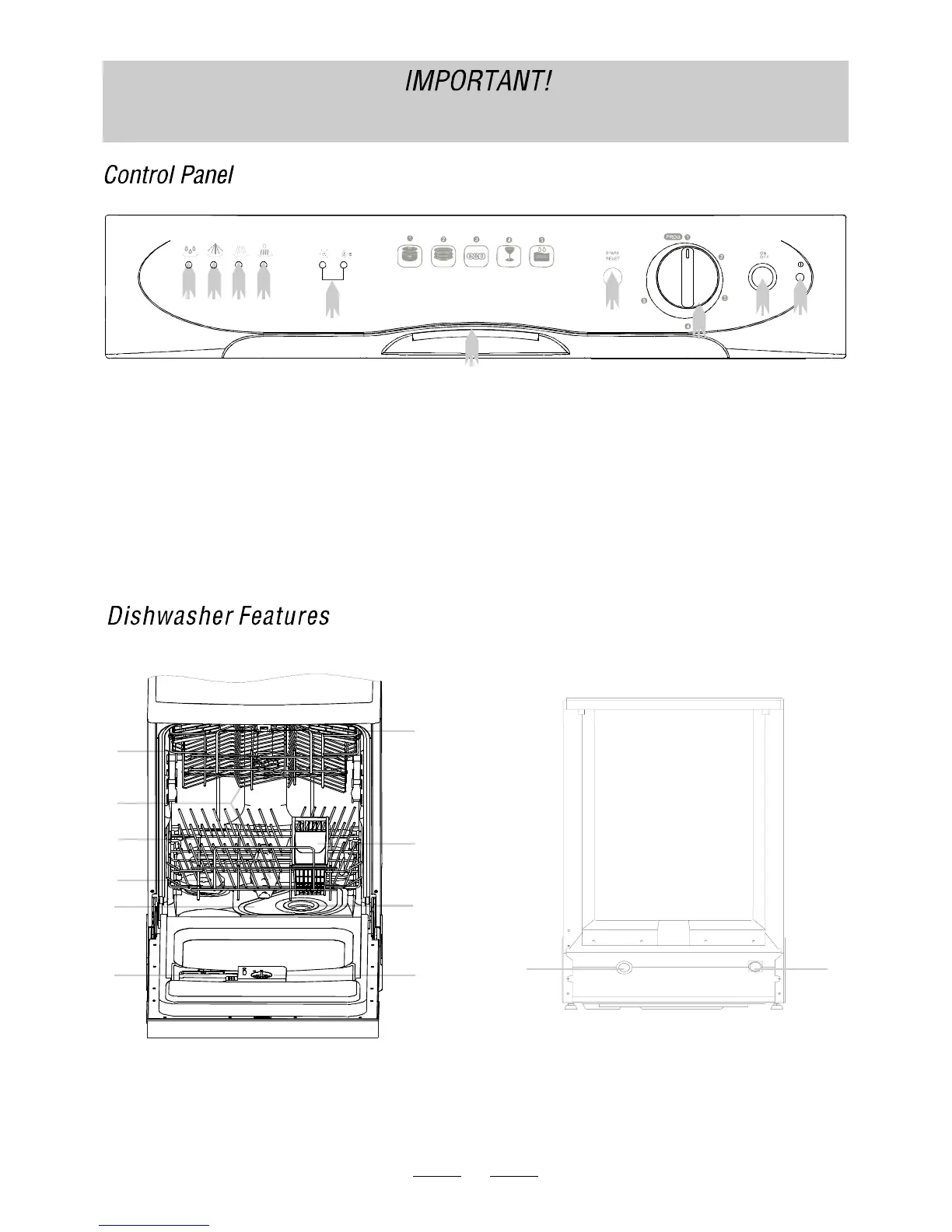
Upper Basket
Spray Arms
Lower Basket
Water Softener
Detergent Dispenser
Silverware BasketMain Filter
Cup Shelf
5
6
7
8
Rinse Aid Dispenser
Coarse Filter
Drain pipe connector
Inlet pipe connector
9
10
12
11
3
2
14
11
12
1
2 3 4
5
6
7
8
9
6 Start / Reset Button: Press this button to start or pause the
dishwasher, the selected program indicating light will blink
when starting.
9 Power Light : To come on when the ON/OFF Button is
Press d down.e
1 Pre-rinse light: Blink during pre-rinse.
2 Wash light: wash.Blink during
3 Rinse light: rinse.Blink during
4 Drying light: drying.Blink during
5 Door Handle: Pull it to open the door.
7 Washing Program Selector: Turn the knob clockwise to
select wash cycles.
NOTE: this model has a "brokenremember" function, which
means that power supply broken down during washing
will not reset the current washing program. So you can't
cancel a program by cutting off the power. Please
see the section entitled "change a program".
8 ON/OFF Button: To turn ON/OFF the power supply.
10
10 Salt and rinse aid warning lights: To come on when
the softener or dispenser needs to be refilled
Glass
Soa k
Econo myNormal
Strong
1
2
3
4
5
6
7
8
9
10


 To Next Page
 Loading...