! !!!!!!!!!!!!!!!!!!!!!!!!!!!!!!!!!!!!!! !!!!!!!!! !
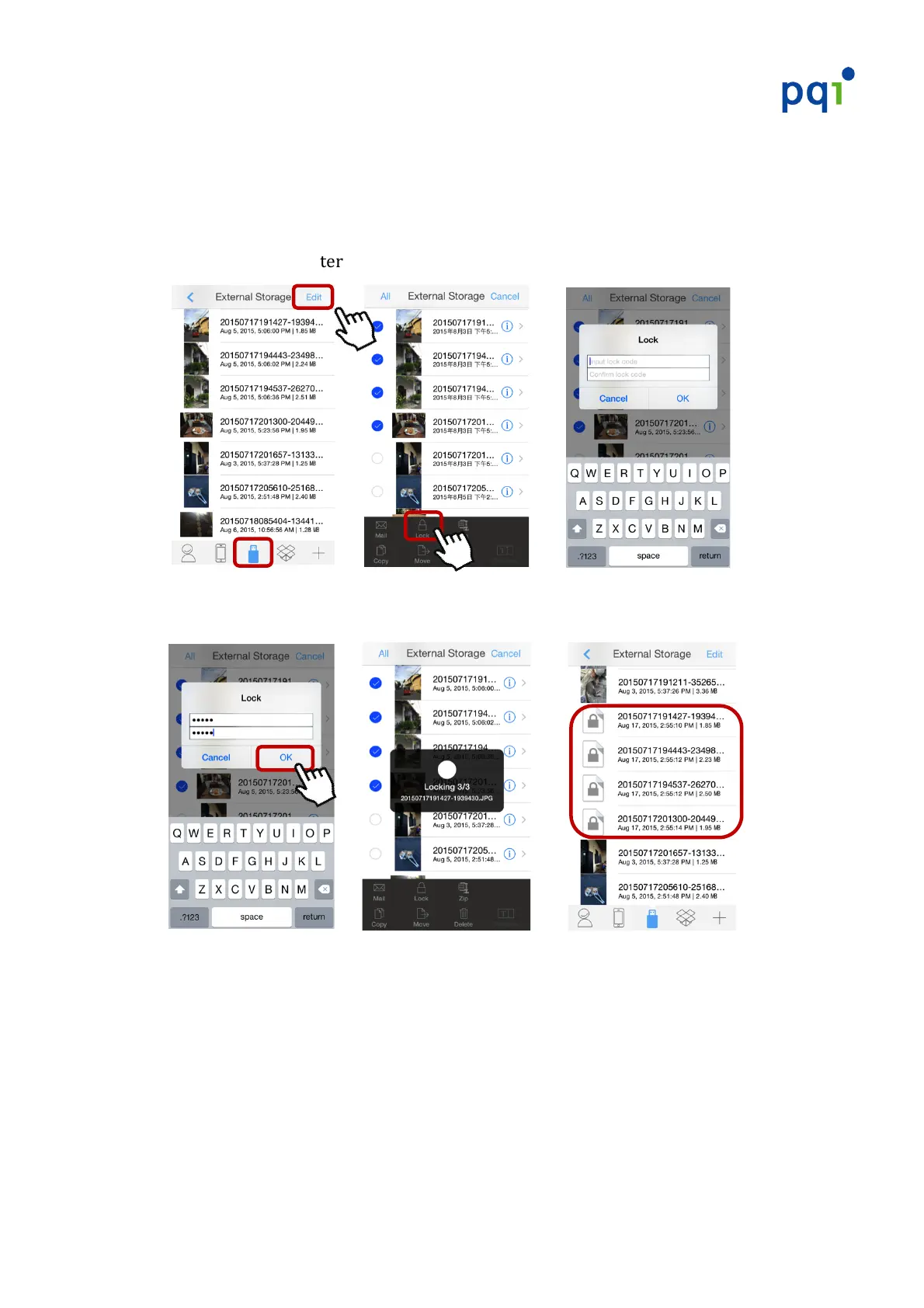
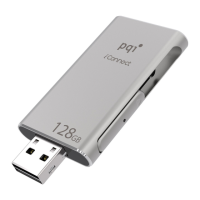
Setting!a!password!for!files!stored!on!the!iConnect!
#
1. Launch!PQI!iConnect+!App.!Select!“External!Storage”,!then!tap!“Edit”!in!the!
upper_right!corner!!Select!the!file!you!wish!to!password!protect!!Tap!the!
“Lock”!option!to!enter!the!lock!screen.!
!!! ! !! ! !!! !
#######
2. Enter!a!desired!password!!Press!“OK”!to!lock!the!file.!
! ! ! !!! ! !!!
#
#
#
* E%5.#*)1#3#'3**>%(+#"%(#%.)#%(#?%()#"60)*#31#12)#*3?)#16?)@#
* L2)#0%5P)+#"60)#>600#30*%#4)#5%?'()**)+#1%#*3I)#*1%(3-)#*'35)#%.#12)#6<%..)51@! !
#
#


 To Next Page