User Guide Predia Touch Pro FHD/UHD
9
NOTE
• When you install by wall mounting method, ensure insert the screws into the wall deeper
than 10mm.
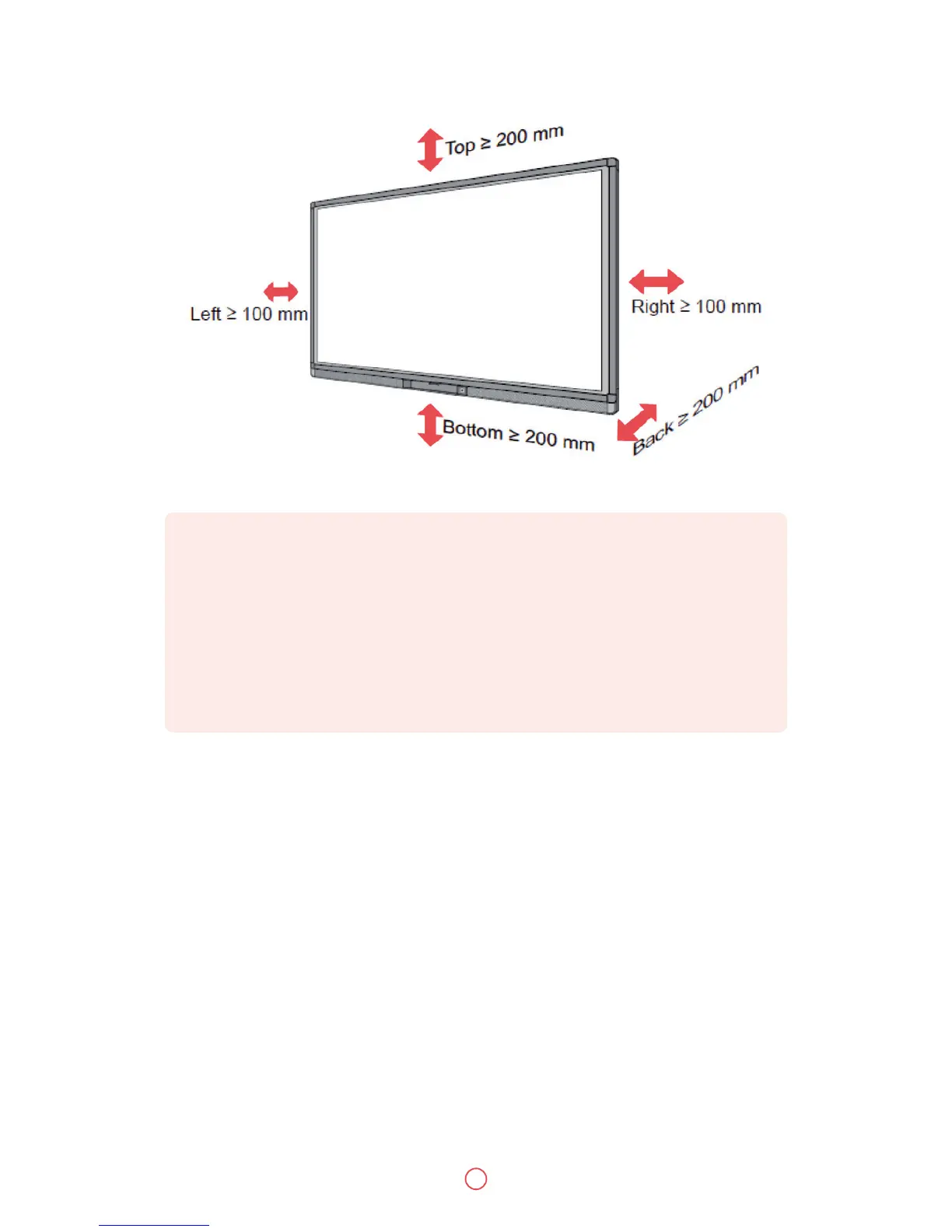
• Do not block ventilation vents.
• Reference to the CAS 132-2006
• The dimension of the 4 bracket mounting holes in the back panel is VESA MIS-F compliant
(400 x 400mm). Please use the metric M8 screws with length of 10 to 15 mm to secure the
display with the mounting system.
• Please have a professional installer to install the display unit.


 To Next Page