PRESONUS
7
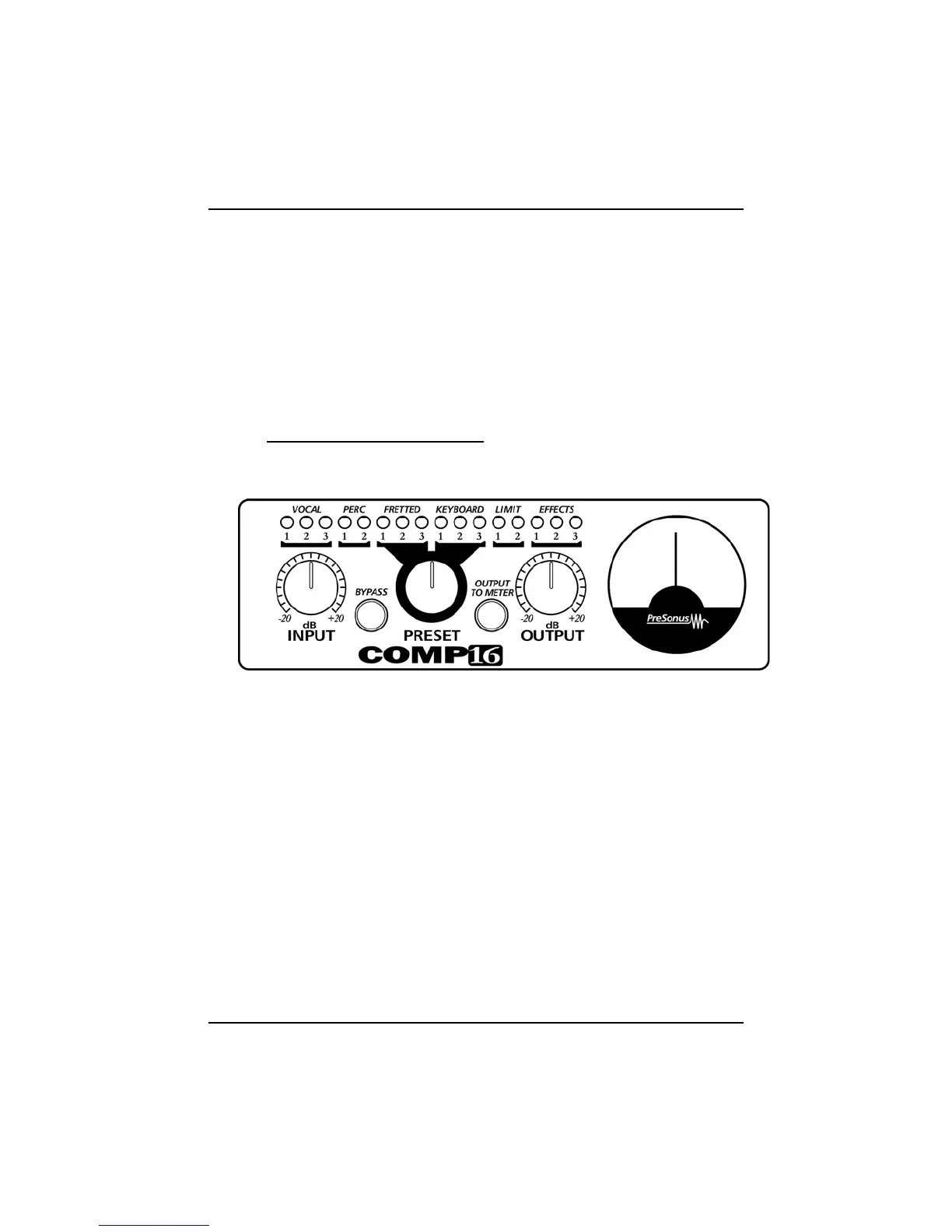
2.2 COMP16 FRONT PANEL BASIC LAYOUT
The front panel on the COMP16 is divided into three sections.
These are:
1. Presets:
Sixteen selectable preset positions.
The Presets for the COMP16 are controlled by this sixteen
position rotary encoder. As the encoder is rotated,
parameters are digitally switched, simultaneously controlling
attack, release, ratio and threshold.
2. Controls:
The Input control adjusts the gain on the input amplifier.
Note: The input control is always active.
3. Output & Pushbuttons
The Output control is used to set the desired output of the
COMP16. It is sometimes referred to as ‘gain makeup’
control. This term is derived from the fact that as the
compressor lowers the output level during gain reduction,



 To Next Page