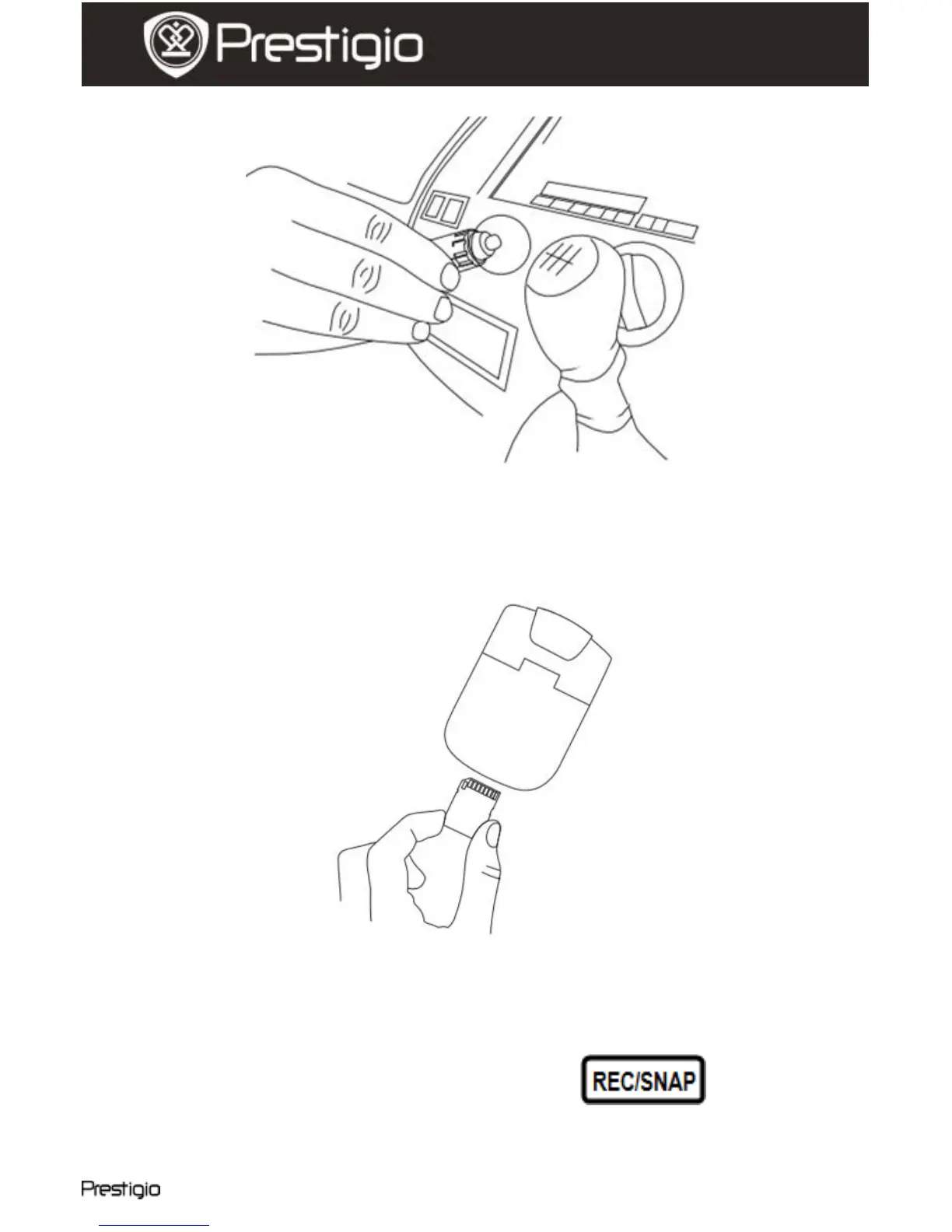
5. Inserting the SD-card
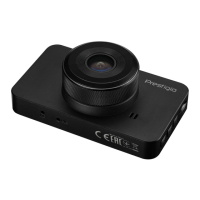
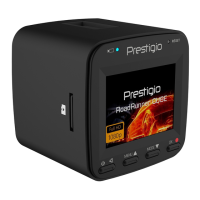
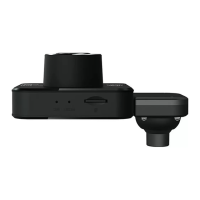
Before starting video recording, please, insert an SD or SDHC card
into the SD card slot in the device.
6. Recording
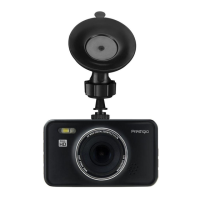
The device will automatically start recording when turned on, and the
LED indicator will start flashing. The recorded files are saved on
SD/MMC Card. To stop recording, press the button or
stop the car engine if the device is connected to the car charger. The
indicator will stop blinking.


 To Next Page