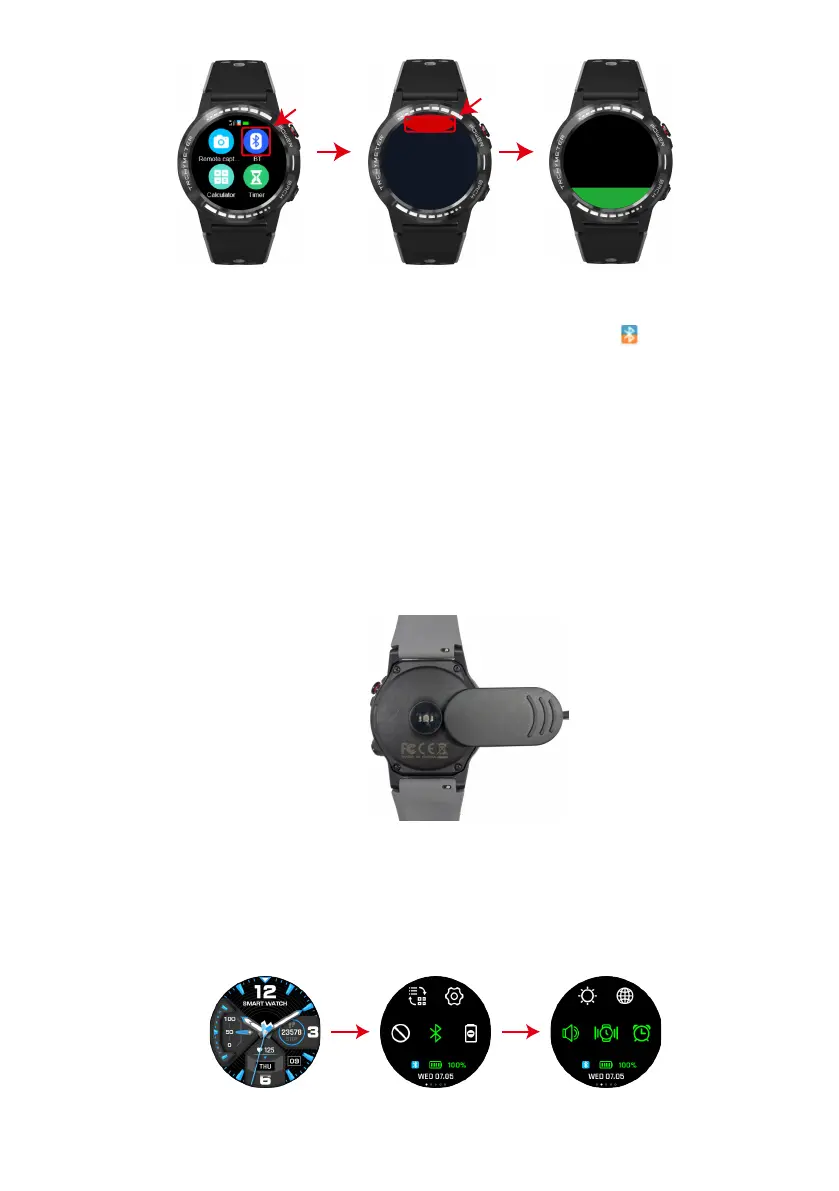
Searching
Cancel
BT Connect
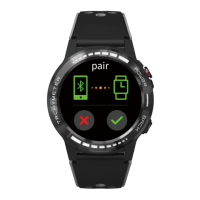
For Android users,it will automatically pop up a bluetooth pairing request.On the phone
and click pair.
The BT icon on the left top on the watch will become blue and orange that means BT3.0
and 4.0 are bound successfully.(Note: 3.0 is used for call)
7. When the phone gets a prompt of Bluetooth pairing request, click PAIR.The BT icon on
the left top on the watch will become blue and orange.
(You need to use Android 5.0 or above version and iOS 11.0 or above version.Android and
iOS device support different functions.A watch just pair with one mobile, if you want to
pair another phone,please cancel the current pairing.)
Charging illustration
Charging:
Turn the watch over,align and attach the charging pins to the magnets four gold prongs.
You will see the charging icon on the watch screen after about 6s. Charging fully may take
2 hours. You will see the battery icon is full if the watch have been fully charged. Please
clean the charge interface before charging for fear that the remaining sweat erode gold
metal contact or other risks.
Functions
1.Switch dial
On the home page of watch, long press to access the different dial plates, then you are
able to slid around to choose what you like.
2.Fast key switch
Sliding the dial plate to enter into fast key interface, then you can set BT3.0 , volume,
language, background, settings, vibration, luminance, gesture, subject, alarm clock, clock
and airplane mode.


 To Next Page