Function points
Power on
Method 1:Take out the earbuds from the charging case, it
will auto power on.
Method 2:Under power off state, tap the multi-function
buttons about 4S
Power off
Method 1:Put the earbuds into the charging case, it will
auto power off.
Method 2:Under power on state, top the multi-function
buttons about 6s.
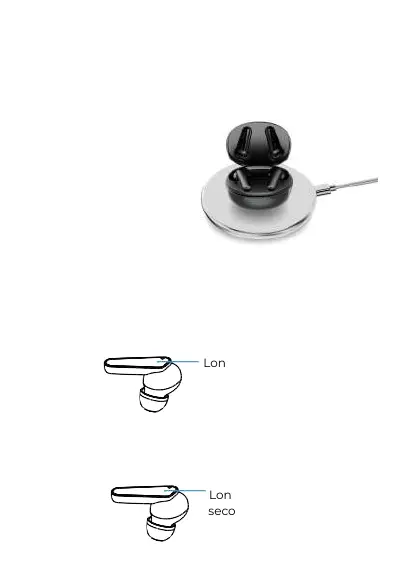
2. Wireless charging: Put the charging case into the
wireless charging board to charge.
Note: Please use a wireless charging base that meets the QI
standard. This picture is only used as a display of wireless
charging functions. The product does not have a wireless
charging base. If you need a wireless charger, please
purchase it yourself.
Long touch 4
Long touch 6
seconds


 To Next Page