20 / 29
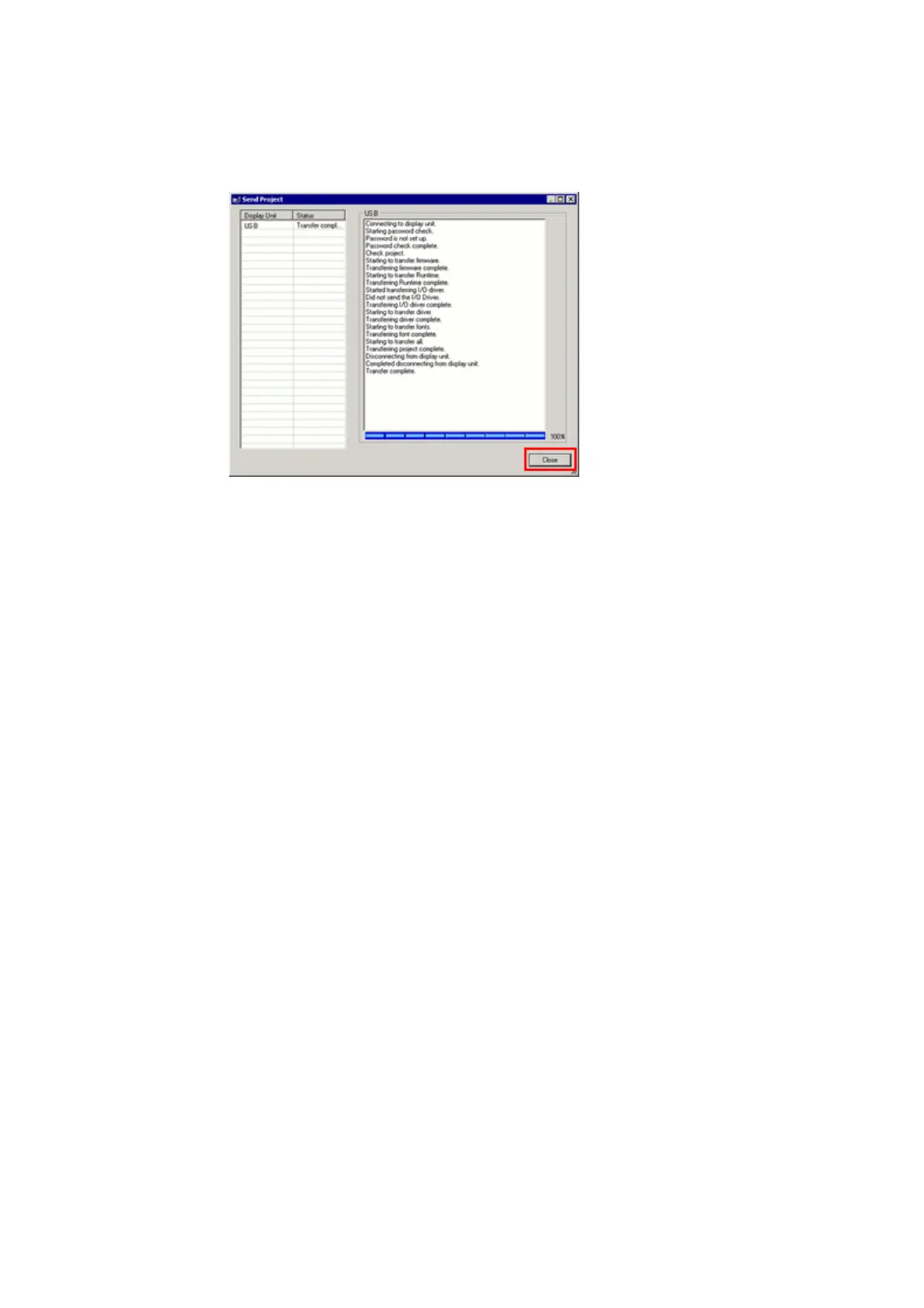
(7) When transfer is completed, the status displayed in the dialog box will
change from [Transferring] to [Complete Transfer]. Click [Close] to close
the dialog box.
(8) Close the Transfer Tool.
3.4. Change the Display Unit Type
Open the received project file (*.prx) of GP3000 Series on GP-Pro EX and change
the display unit type to SP5000 series.
(1) Open the received project file (*.prx) on GP-Pro EX.
(2) Click [System Settings]->[Display]->[Change Display] in [Project] menu and
change the Display Unit type to the replacement model.
(3) Click [Project]->[Save As] and save the changed project file.


 To Next Page