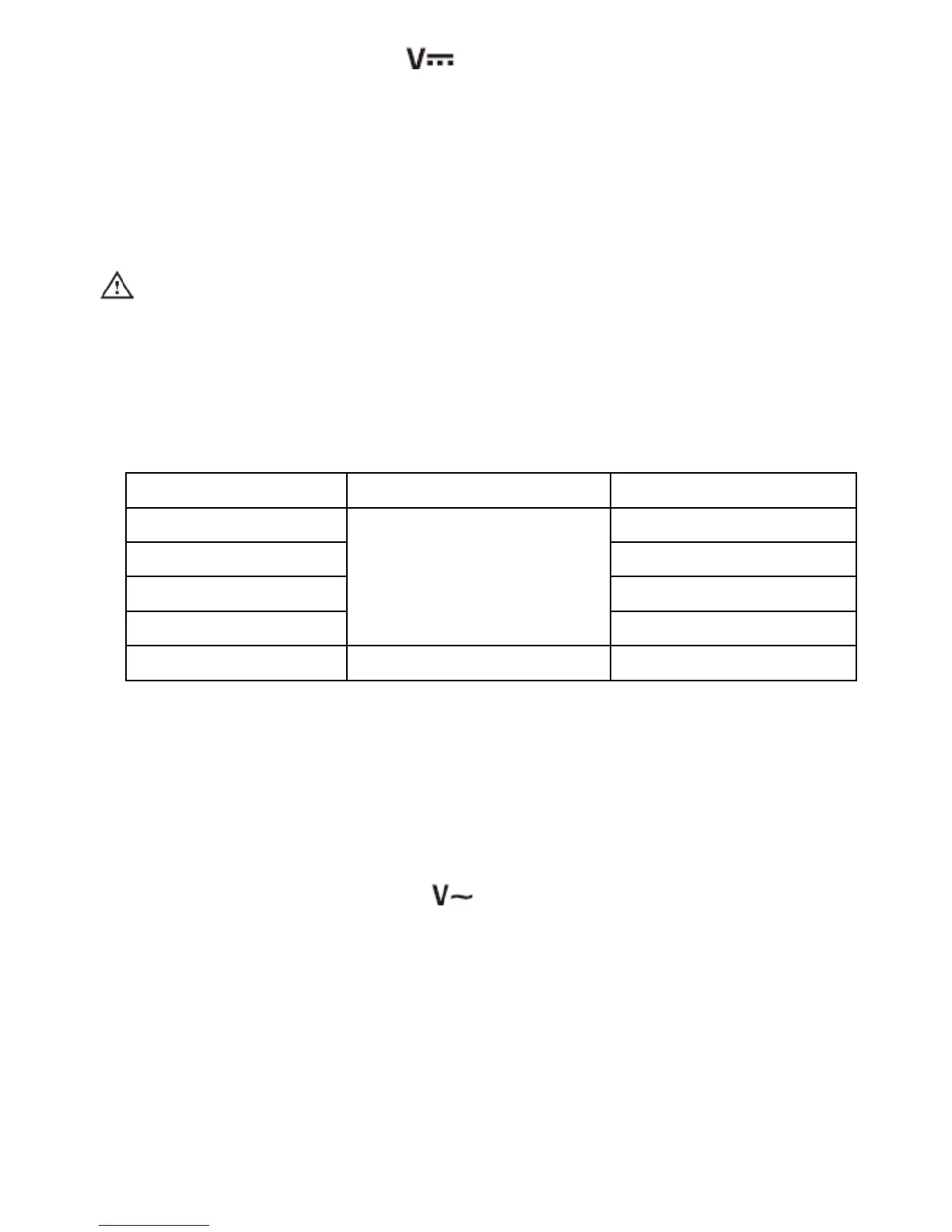
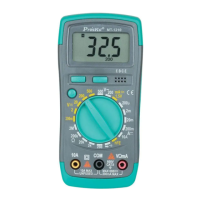
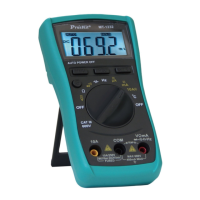
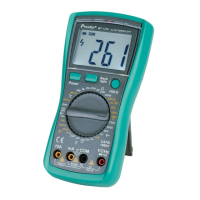
2. Turn the knob switch to “ ”.
3. The initiate state of the meter is in auto range status, which shows
“AUTO” symbol. Press the "SELECT" button to select the manual
measurement range.
4. Make the test lead contact to the tested point. The voltage and
polarity of the point where the red pen is contacted will be displayed
on the screen.
Caution:
1. Don’t measure voltage over 1000V. Otherwise, the meter may be
damaged.
2. When measuring high voltage, special attention should be given to
personal safety and avoid your body getting in touch with high
voltage circuit.
Input Impedance: 10MΩ .
Overload Protection: 1000V DC or AC peak value
2-2-2. ACV
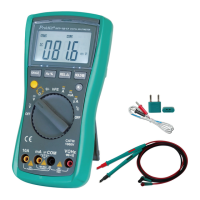
A) Insert black test lead into the hole of “COM” and red test lead
into“VΩHz”
B) Rotate function switch to “ ”setting , the initial state of the meter
is in auto range status, which shows “AUTO” symbol
C) Press “Range” button to select AC measurement.
D) Make the test lead contact to the tested point. The voltage of the
point where the red test lead is contacted will be displayed on the
screen.


 To Next Page