Max measurement voltage drop: Full range mA is 0.4V, A is 100mV;
Max input current: 10A (less than 15 seconds);
Overload Protection: 0.6A/250V resettable fuse, 10A/250V fuse.
2-2-4. ACA
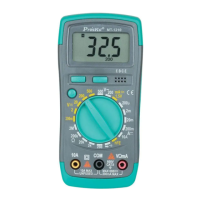
A) Insert the black test lead into the “COM” input terminal and red test
lead into the “mA “input terminal. (Max 400mA), or “10A” input
terminal (Max 10A).
B) Rotate function switch to Current setting. Press “SELECT” button to
select the AC measurement mode. Then connect the test lead to the
tested circuit in serial, the tested current value and the current
polarity of the point where the red test lead is contacted will be
displayed on the screen simultaneously.
Caution:
1. If “OL” is displayed on LCD, it indicates the tested current value has
exceeded the present range limit. Please select higher range to
complete the measurement.
2. The Max input value is 600mA or 10A. (Depending on the terminal
where the red test lead is contacted.) The overrated current will lead
to fuse melt or even damage the meter.


 To Next Page