36
Step 3
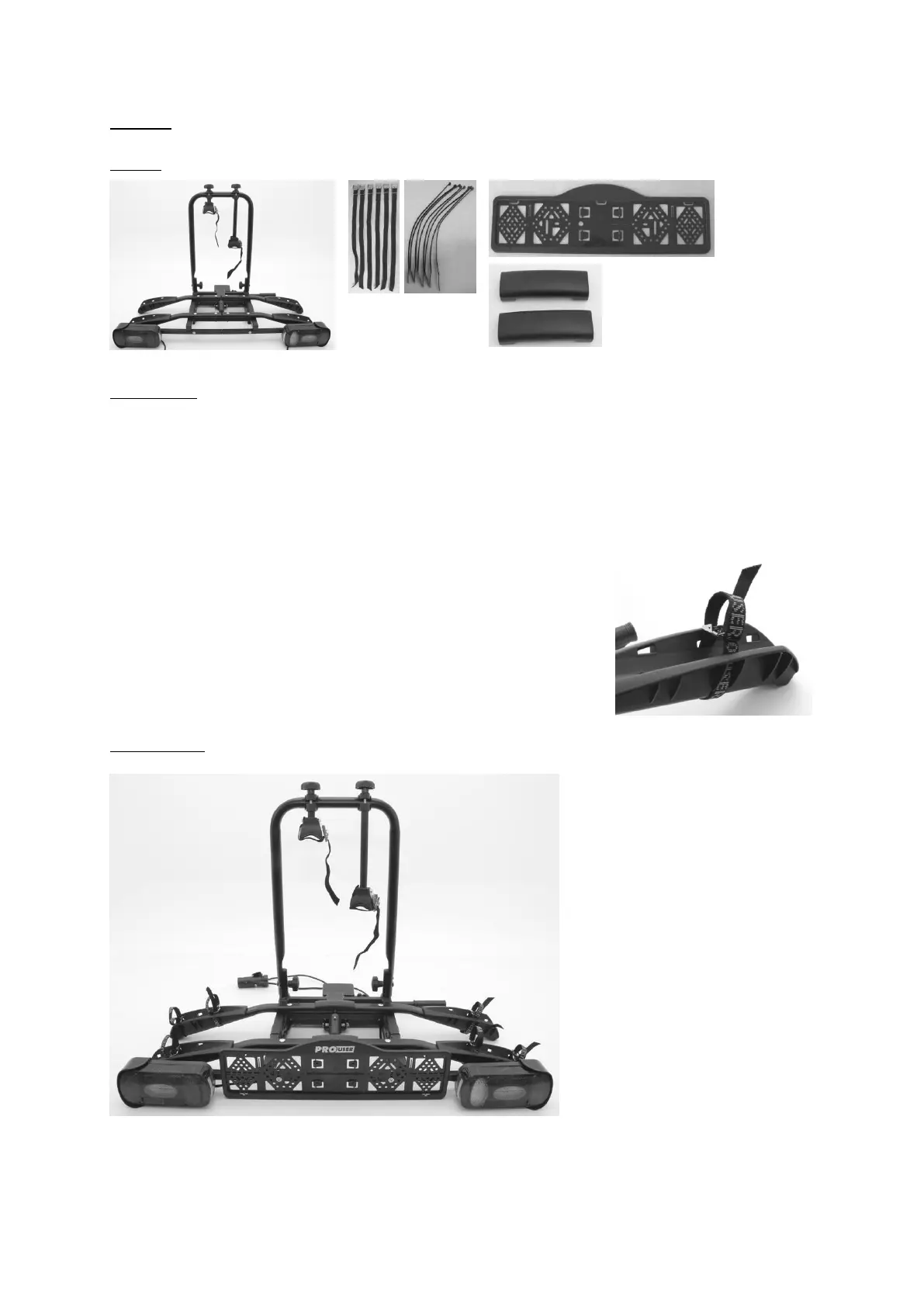
Parts:
Mounting:
Loosen and remove the little screws intended for the mounting of the number
plate holder from the light holder rail and fasten the number plate holder to the
rail. The number plate holder has to be level with the lighting.
With the cable ties supplied with the carrier, the light cable can be fastened
neatly at the bottom of the carrier. Make sure the cable will not interfere with the
tilting mechanism.
Slide the six short, black straps through the little slots in
the wheel holder, starting inside-out, going around the
wheel holder and then outside-in (see picture).
Finally clip the two plastic covers over the middle of the
two wheelholders.
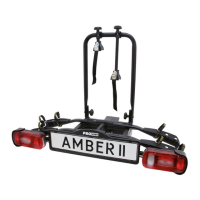
End result:


 To Next Page