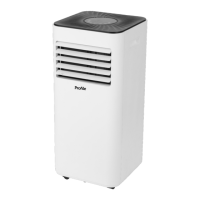
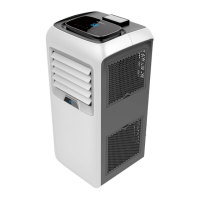
545144210 MONOBLOCK AIR CONDITIONER NL
4
7. Make sure the device is has power, and the Wi-Fi LED is blinking fast (2 times/second). If the
device Wi-Fi does not flash fast make sure the device is in standby mode. Press and hold the
speed button for 3 seconds (until you hear a bleep). Wi-Fi connection mode is now activated.
The Wi-Fi LED light will flash 2 times per second. If the light isn’t flashing 2 times per second,
hold the speed button again for 3 seconds. If the LED light flashes 2 times per second
8. Confirm this in the app. The device will be connected to your home Wi-Fi network.
9. Enter your device name and press OK.
Note : The device name will also be used for controlling this smart device with the Google Assistant
or Amazon Alexa.
For more information on using the app and the device go:
www.qnecthome.com/en/products/545144210
Or scan the QR code:


 To Next Page