STEP THREE
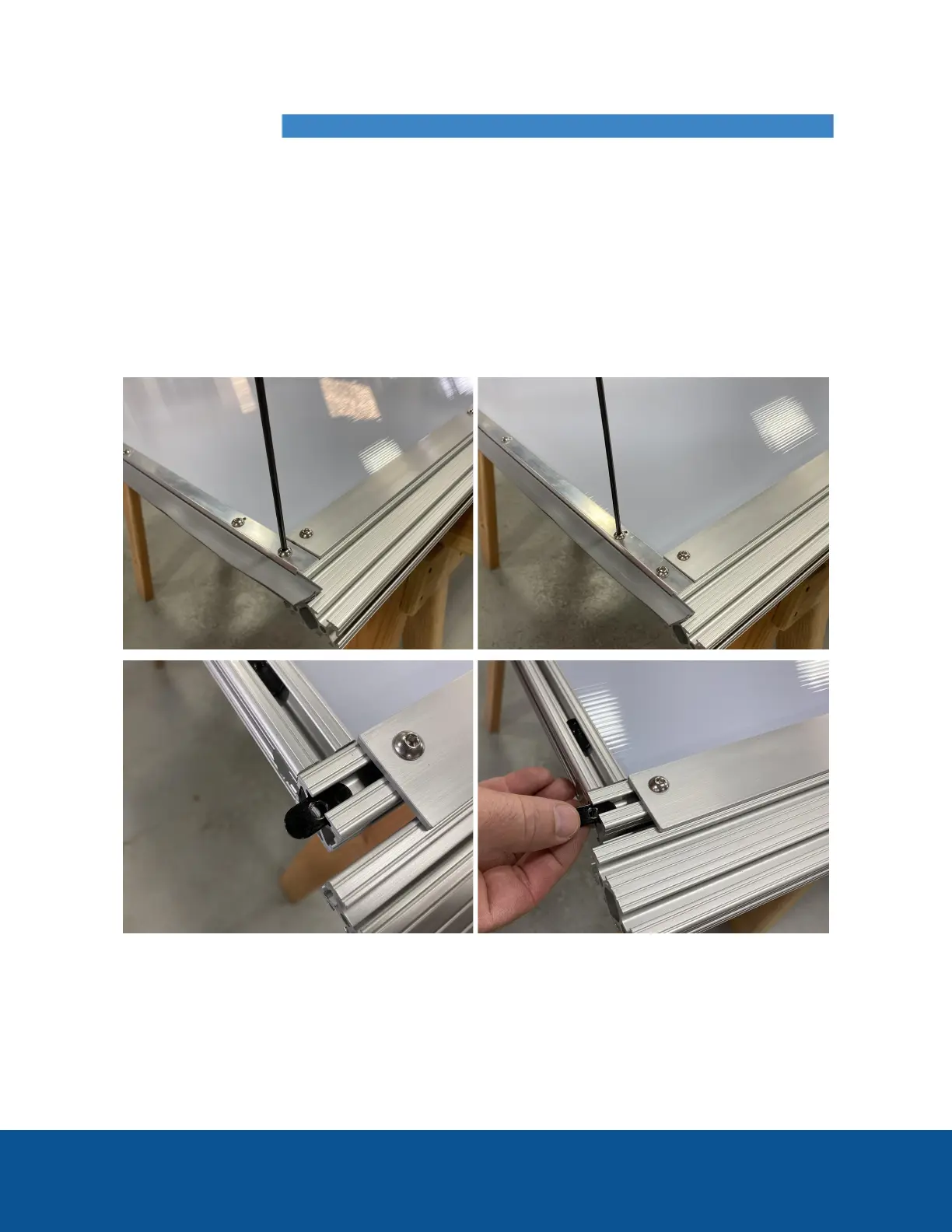
Remove the door sweep: Remove the 6 button-head screws
that hold the sweep in place. Remember to save the 6 screws
and the 2 black oval-nuts that will slide out of the 2 channels
on both ends, you will need them for Step 7. Note the
remaining 4 black oval-nuts will remain in the channel for
future use if you wish to return the door to its original height.



 To Next Page