Quick Start Guide
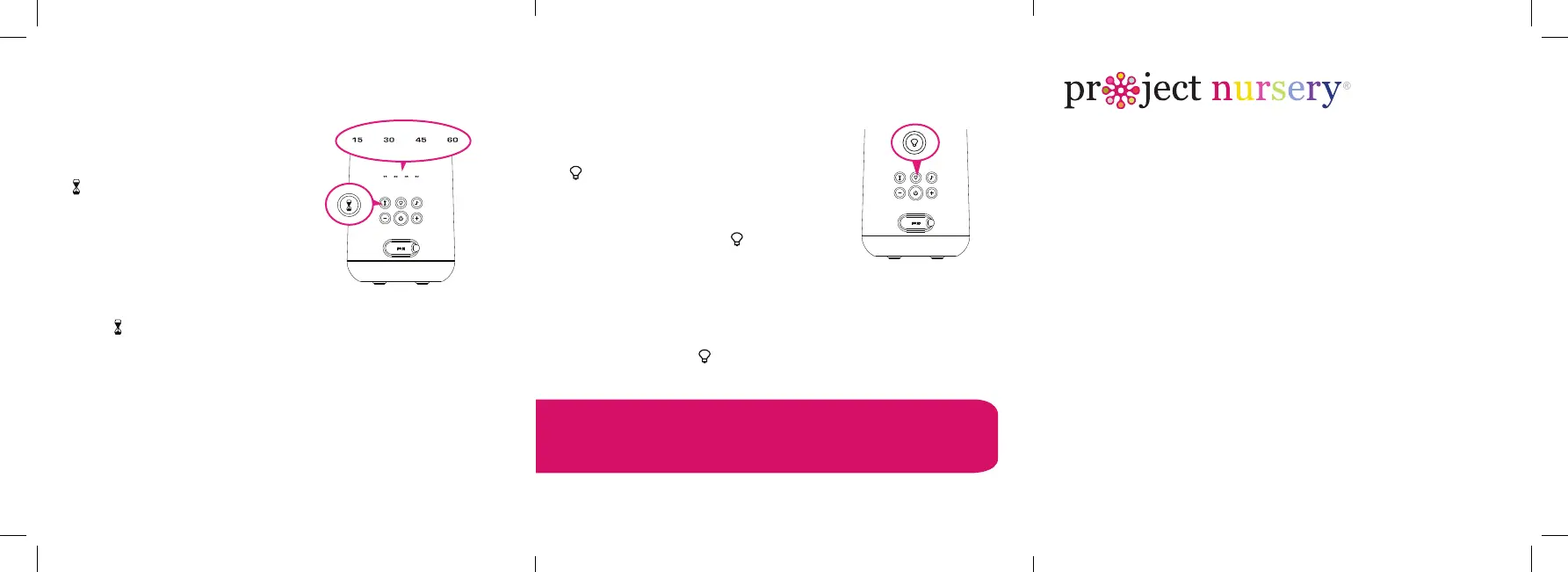
USING THE TIMER
The timer shuts the lights
and sound off automatically
after a set amount of time.
To set the timer: Press the
button on the back of the
Dreamweaver.
The minutes indicator on the
back of the Dreamweaver
shows the amount of time on
the timer: 15, 30, 45, or 60
minutes.
Press
to cycle through
these options or turn the
timer off.
USING THE NIGHTLIGHT
The Dreamweaver offers four
kinds of fun, rey light modes.
To turn the light on: Press the
button on the back of the
projector.
To change light modes or turn
off the light: Press the button
repeatedly to cycle through the
modes (fade, sparkle, dance, and
rhythm) and to turn the light off.
TIP: You can use the nightlight
even if the Dreamweaver is turned
off. Just press the button!
Questions?
Visit ProjectNursery.com for setup videos and support.
©2022 Voxx Accessories Corp. Indianapolis, IN 46268
PNJ45 QSG 00
DREAMWEAVER
LIGHT & SOUND SOOTHER
Back of the Dreamweaver
Back of the Dreamweaver



 To Previous Page