4
3. GET SIGNED UP
Open the Project Nursery SmartBand
app on your phone or tablet. The app
will walk you through the following
steps to set up a profile and tell it
who you and your baby are.
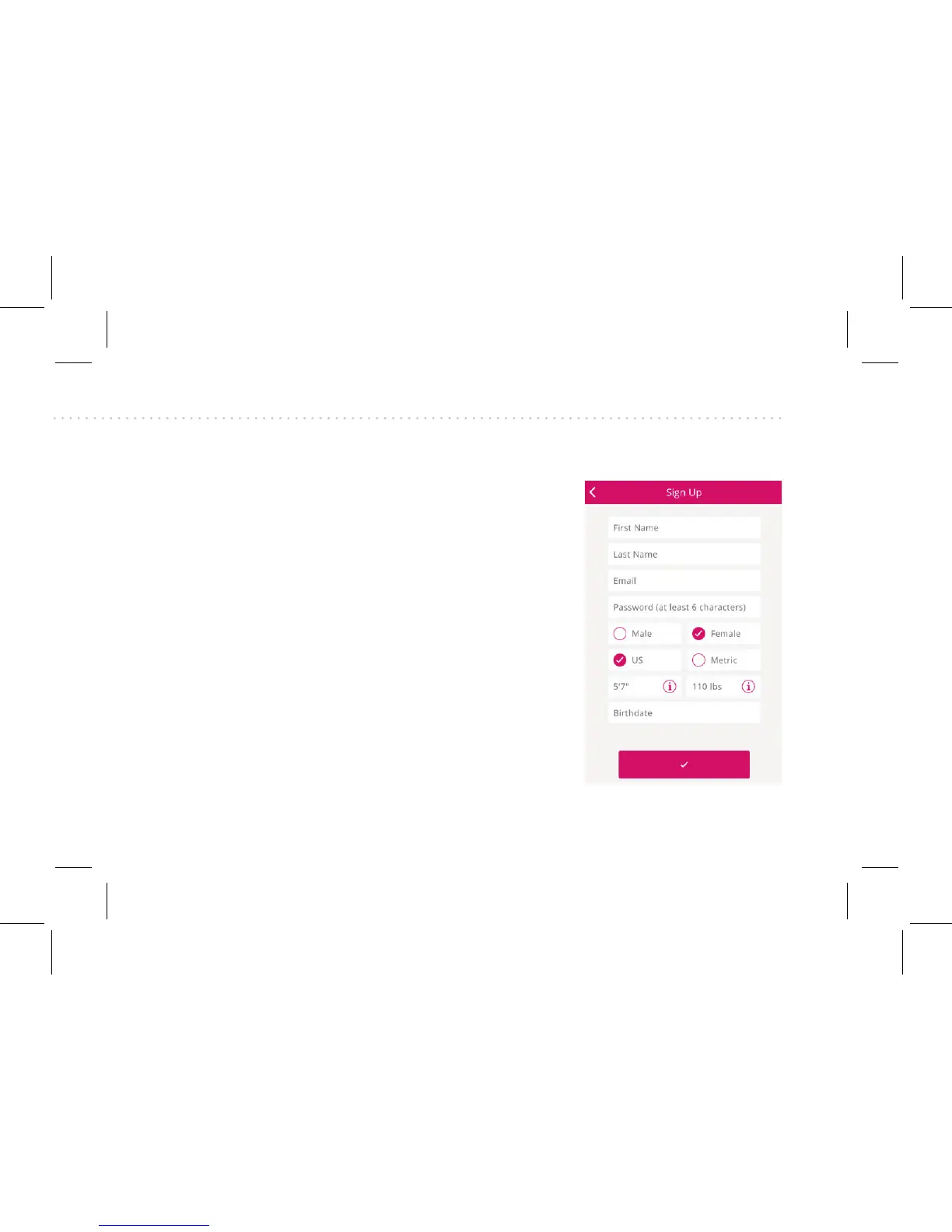
First is the Sign Up Screen, where
you’ll enter the following info:
• Your name, email, gender, type of
units, height, weight, and birth-
date.
• Your height. (Your height deter-
mines your stride length, used to
calculate distance when you walk.)
• Your weight. (Your weight deter-
mines how many calories you burn
as you walk.)
Continues on
next page...



 To Next Page