2
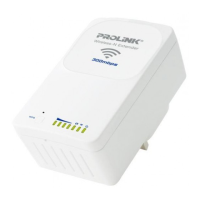
Port WAN/LAN5.
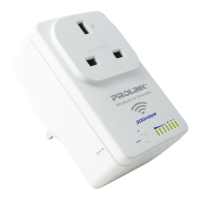
Port LAN6.
Indikator signal Wi-Fi2.
Indikator Status3.
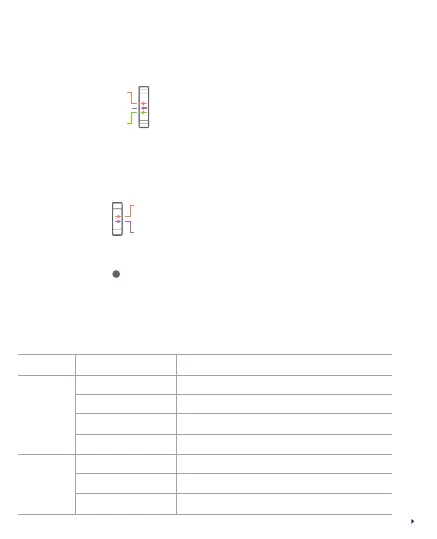
Saklar mode Operasi (Repeater, Access Point and Router)4.
AP
Repeater
Router
• Posisi Atas: Mode Access Point (AP)
• Posisi Tengah: Mode Repeater
• Posisi Bawah: Mode Router
Indikator LED
Status Saat BerjalanStatus
Status
Kekuatan
Signal
Wi-Fi
Indikator
Extender tidak aktif/tidak ada dayaOFF
Extender aktifON
Transmisi dataBerkedip cepat
Memicu WPSBerkedip lambat
Kekuatan signal Wi-Fi rendahSatu bar LED
Kekuatan signal Wi-Fi baikDua bar LED
Kekuatan signal Wi-Fi sangat bagusTiga bar LED
RESET
• To reboot: Press and release
• To do Factory Reset to Default:
Press and hold for 12 seconds
Tombol Reset8.
Input Power AC9.
OFF
ON
• Top position: Turn OFF Extender
• Bottom position: Turn ON Extender
Switch Power7.



 To Next Page