Konfigurasi Router4
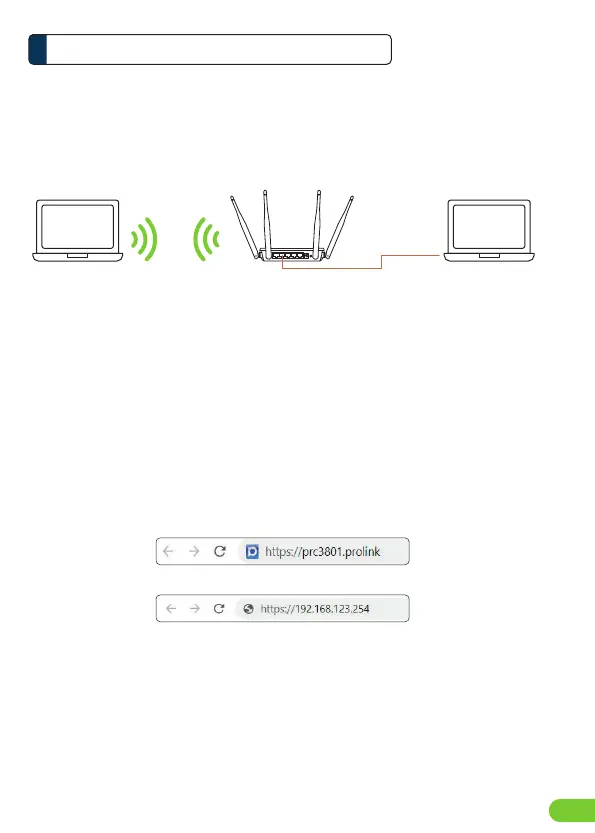
Langkah 1: Koneksi Perangkat keras (Wired or Wireless)
Hubungkan PRC3801 ke komputer Anda via kable Ethernet or koneksi Nirkabel (Wireless)
Langkah 2: Konfigurasi Software dengan Web Browser
1. Buka Web Browser dan masukkan https://prc3801.prolink atau
https://192.168.123.254 di kolom alamat.
PRC3801
Laptop Laptop
Ethernet cable
Catatan:
Nama Wireless dan password dapat di lihat pada label yang berada di bagian belakang dari PRC3801
or
ID4
LAN port



 To Next Page