EN 8
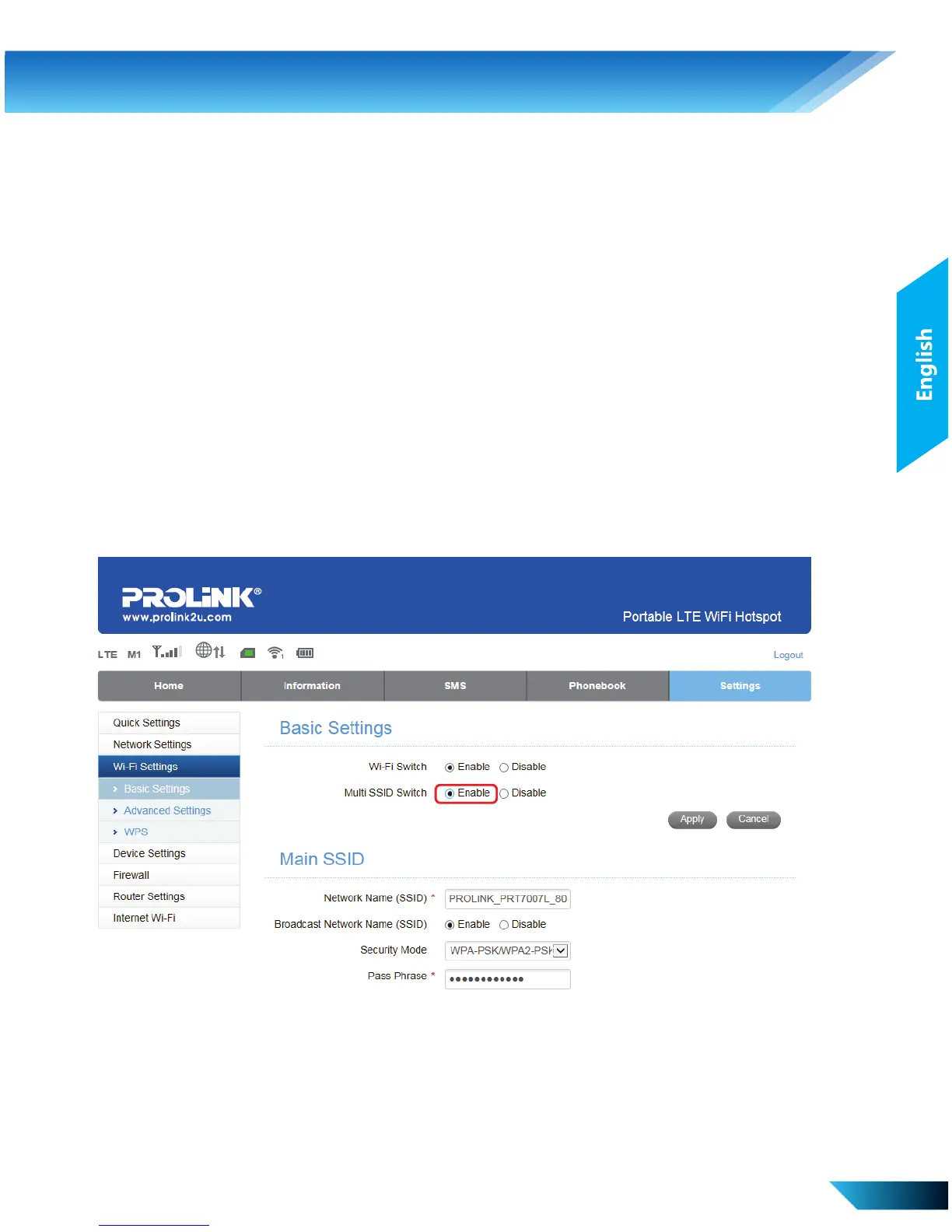
Enabling 2.4GHz / 5GHz Dual Band
i. Under Settings > Wi-Fi Settings > Basic Settings, select Enable for
Multi SSID Switch and click Apply
4. Web-based Conguration
Select Settings > Firewall Set the Mac/IP/Port Filtering,
Port Forwarding or the System
Security configuration.
Select Settings > Router Settings Change Router LAN IP and
DHCP settings.
Select Settings > Internet Wi-Fi Connect to Hotspot as Wi-Fi
repeater.



 To Next Page