English
4
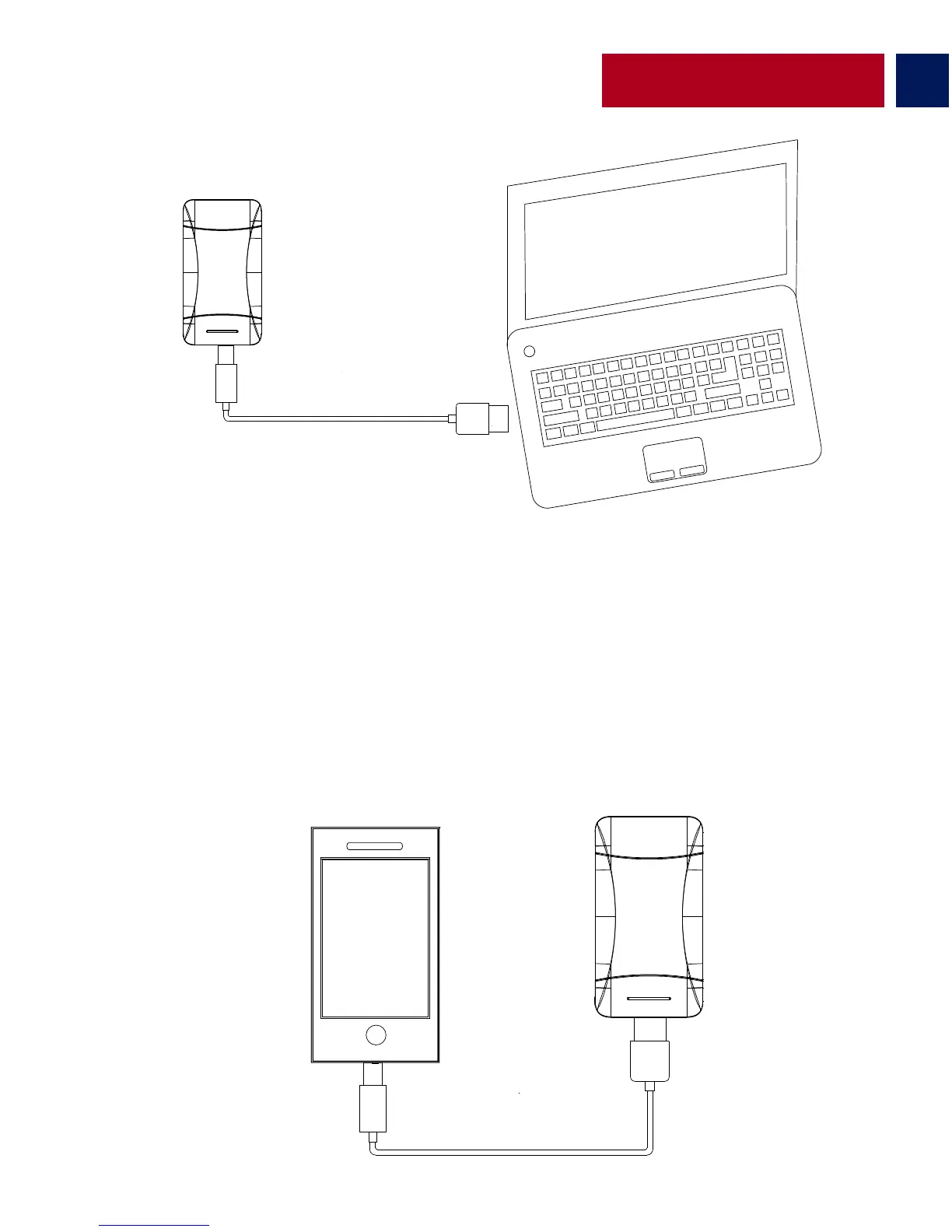
• Connect one end of the Micro-USB Cable to ProVolta-21 and the other end to a
desktop/laptop or a USB Power Adapter. The Battery Level LED Indicator’s will light up indicating
that the back-up battery is charging normally.
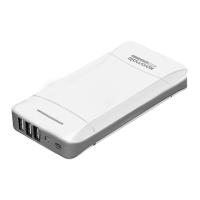
Charging USB chargeable devices using ProVolta-21
• There are 3 USB ports available on ProVolta-21. Use the 1A output ports to charge
smartphones and the 2.1A output port to charge small tablets. Plug the USB cable into the
required USB output port on ProVolta-21 back-up battery and the other end into the device.
Press power button once to begin charging your device.
Charging ProVolta-21 back-up battery


 To Next Page