Make sure that no other PROMATIC radio transmiers are operang
within 300 Metres of the receiver being paired. This will avoid acci-
dentally pairing a receiver to another radio operang elsewhere which
could lead to unpredictable and undesirable operaon.
Pairing a transmier (handset) and a receiver .
Each Receiver can be paired to operate with up to 8 handsets, for best results the
handset and receiver should be within 2 Meters of each other whilst pairing.
Plug the receiver into a trap, connect the trap to the baery & turn the isolator to
the on posion to provide power to the receiver (The trap does not need to be
armed - however take note of trap safety warnings) .
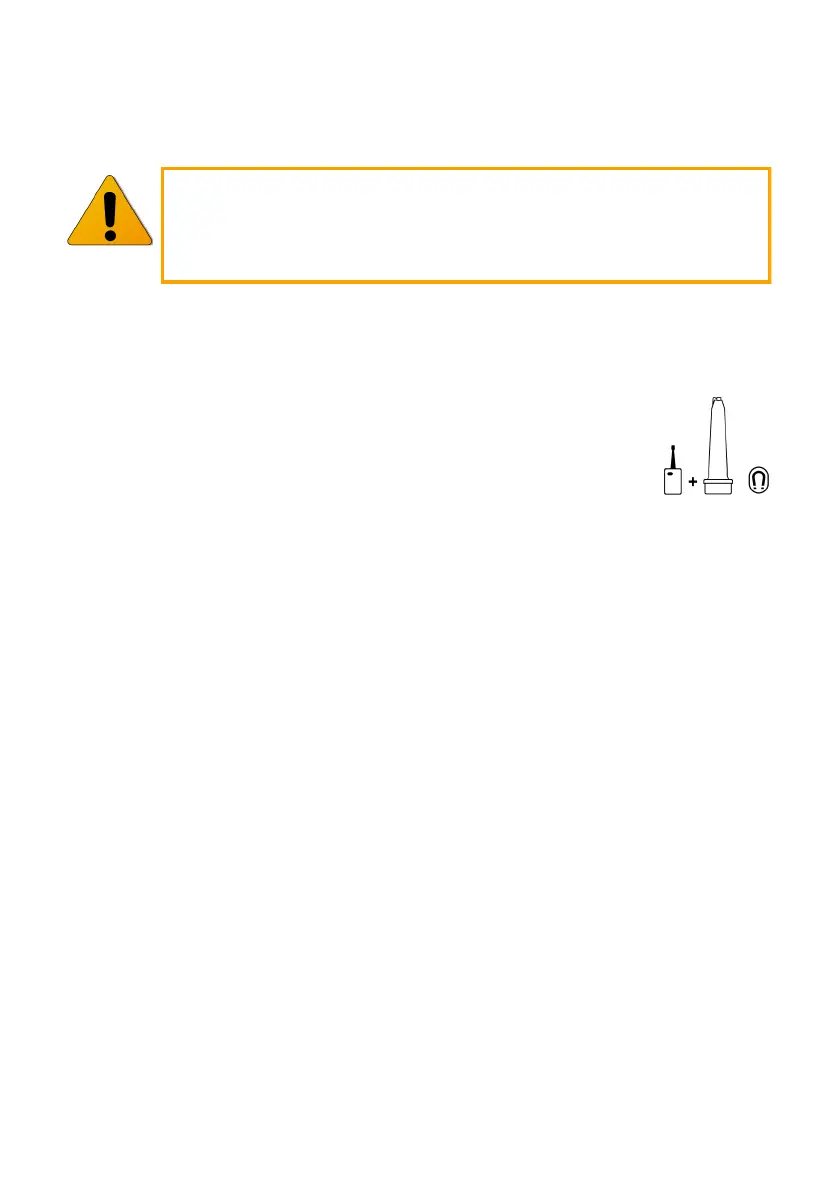
A symbol on the receiver’s rear label shows the magnet sensor posion
to be used when pairing with a handset, place a magnet (Cartridge pick
-up sck etc..) on the small magnet symbol, you will hear an inial
beep, hold for a second or so unl you hear a short 2 tone beep, then
remove the magnet. You are now in pairing mode and have approxi-
mately 10 seconds to pair a handset to the Receiver, as outlined below.
SP1 (Single) Handset with 1 receiver:
With the receiver in pairing mode, press and hold the re buon. Aer about 5 sec-
onds, the receiver should give a short tone to conrm that it has accepted the pair-
ing, at this point release the buon.
SP2 (A-Hi / B-Lo / Pair) Handset with 2 receivers:
Pair the rst receiver as above then repeat using the other buon to pair the second
receiver. The Pair (A & B) buon will work automacally.
ABT Handset with 3 channel receiver:
With the receiver in pairing mode, press and hold the re buon. Aer about 5 sec-
onds, the receiver should give a short tone connue to hold unl a second beep is
heard, the receiver has now accepted the pairing, at this point release the buon.
The Rotaon and/or Elevaon buons will have followed and work automacally.
Aer pairing any handset & receiver you should test re the trap a few mes to
conrm that the desired pairing is working correctly.
Clearing the receiver memory:
Place the magnet on the small magnet symbol as before but this me hold for ap-
prox. 10 seconds unl a rapid beeping sound is heard and then remove the magnet.
The receiver is now de-programmed and will give a repeang pulse tone as long as it
powered up to indicate this. It will no longer respond to any handset unl paired.



 To Next Page
 Loading...