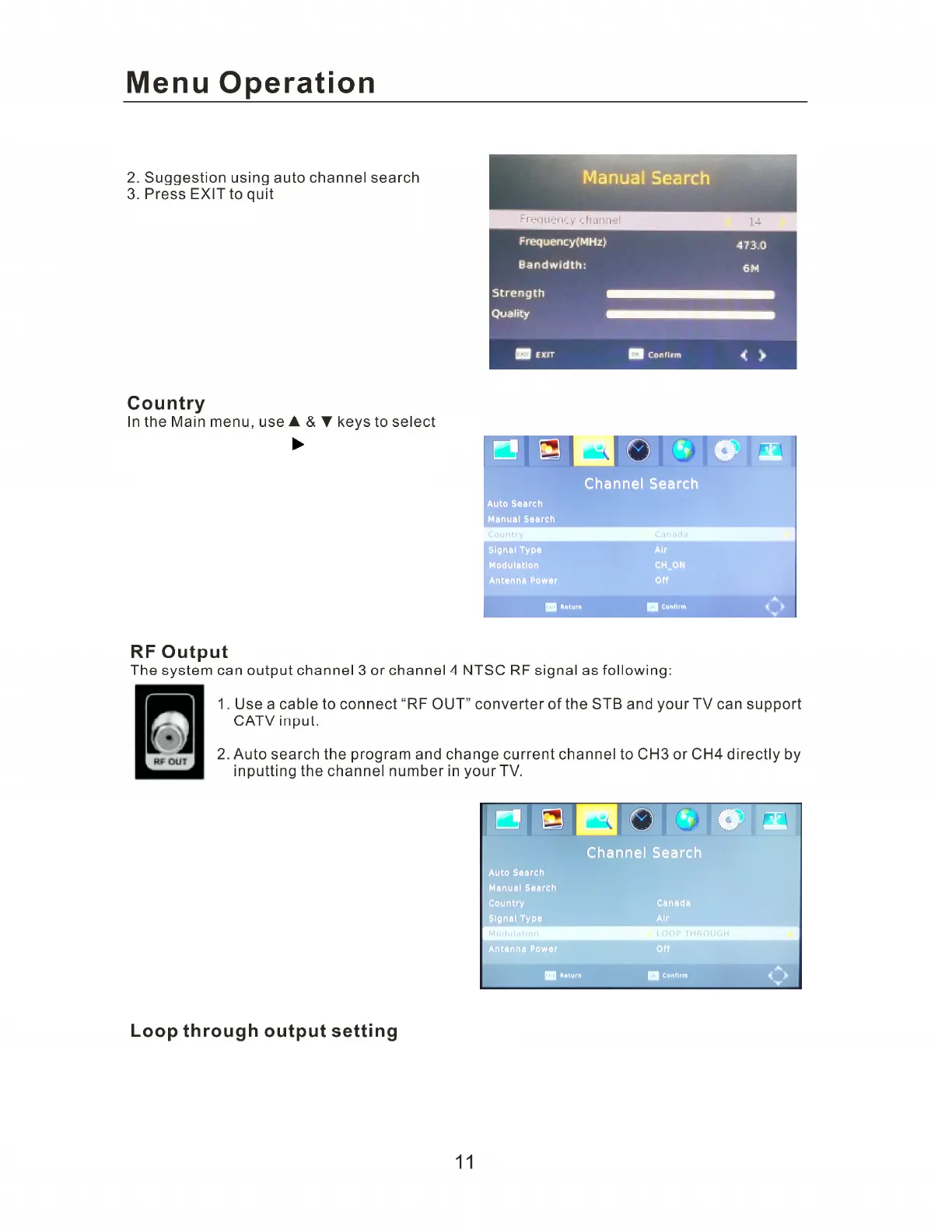
Country item, and press key to enter into
Country menu to select different countrues.
The system can select the loop through as following:
1. Use a cable to connect “RF OUT” converter of the STB and your TV can support CATV input
2. Go to the Setup Menu and ON/OFF the loop through RF output
3. Auto search the program to the target channels. (when searching programs, please use TV Remote
Note: When under the setting of LOOP THROUGH, the machine will not play the TV program.
1. You can prees the number keys into channel,
or press directional keys to choose.


 To Next Page