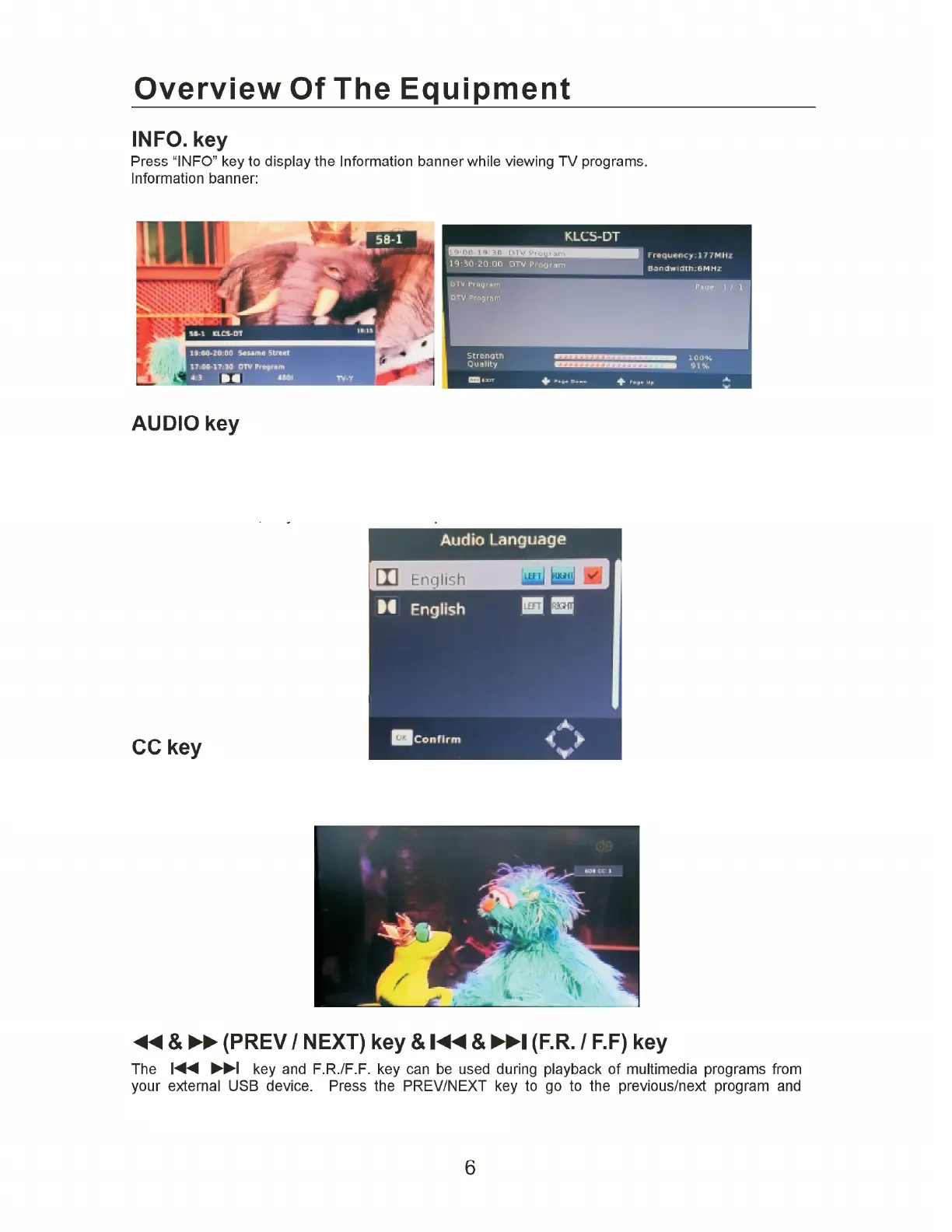
audio track window when you press the L/R key. The screenshot illustrates this below. If there is no
audio output after you have selected the audio language, it indicates that there is no audio on the
current audio mode, so you have to select the previous audio mode.
Some programs may have multilingual audio language and this audio broadcast may be on a different
audio mode sush as Stereo, Left or Right. All the available audio languages will be displayed on the
Certain programs have multilingual subtitle information. All available subtitle languages will be
displayed in the subtitle information window when you press the CC key. The screenshot
illustrates this below. Follow the help information in the subtitle window to select preferred subtitle.
F.R./F.F. key to fast forward or rewind during playback.


 To Next Page
 Loading...