TV SETUP
19
Press MENU button to display the main menu.
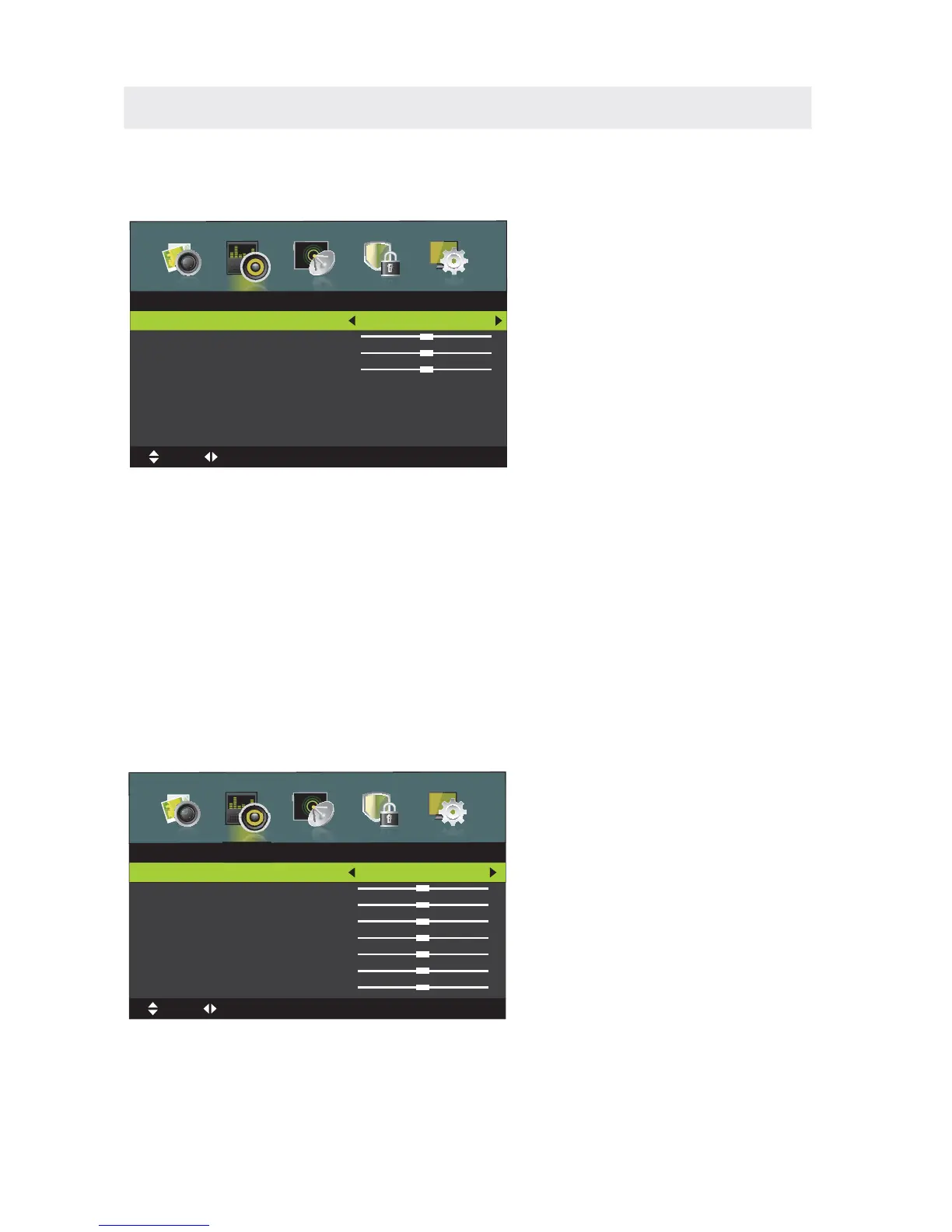
Press ◄ / ►button to select SOUND in the main menu,it will highlight the first option.
SOUND MENU
PICTURE MODE
This feature changes various sound modes for the TV.
(Available Sound mode:Standard,Music,Personal,Movie).
TREBLE
This feature changes the treble volume.
BASS
This feature changes the bass volume.
BALANCE
This feature can adjust the sound balance.
SURROUND SOUND
This feature adjusts the dimensional surround effect on or off (for built-in speakers only).
EQ SETTING
This feature adjusts the sound field setting.
Sound
Sound Mode
T
MENU:Return
EXIT
:Exit
Move
Adjust
AVL
This feature adjusts the auto volume leveler enabling volume protection from overly loud
commercials.
SPDIF
This feature adjusts the digital audio output.
EQ Setting
EQ Mode
1















 To Next Page