EasyManua.ls Logo

ProScan PLDED4022-UK - TV Setup - General Configuration; Setup Menu Navigation; OSD and Audio Language Settings; Subtitle Display Configuration

ProScan PLDED4022-UK
37 pages
Print Icon
To Next Page IconTo Next Page
To Previous Page IconTo Previous Page
Loading...
TV SETUP
23
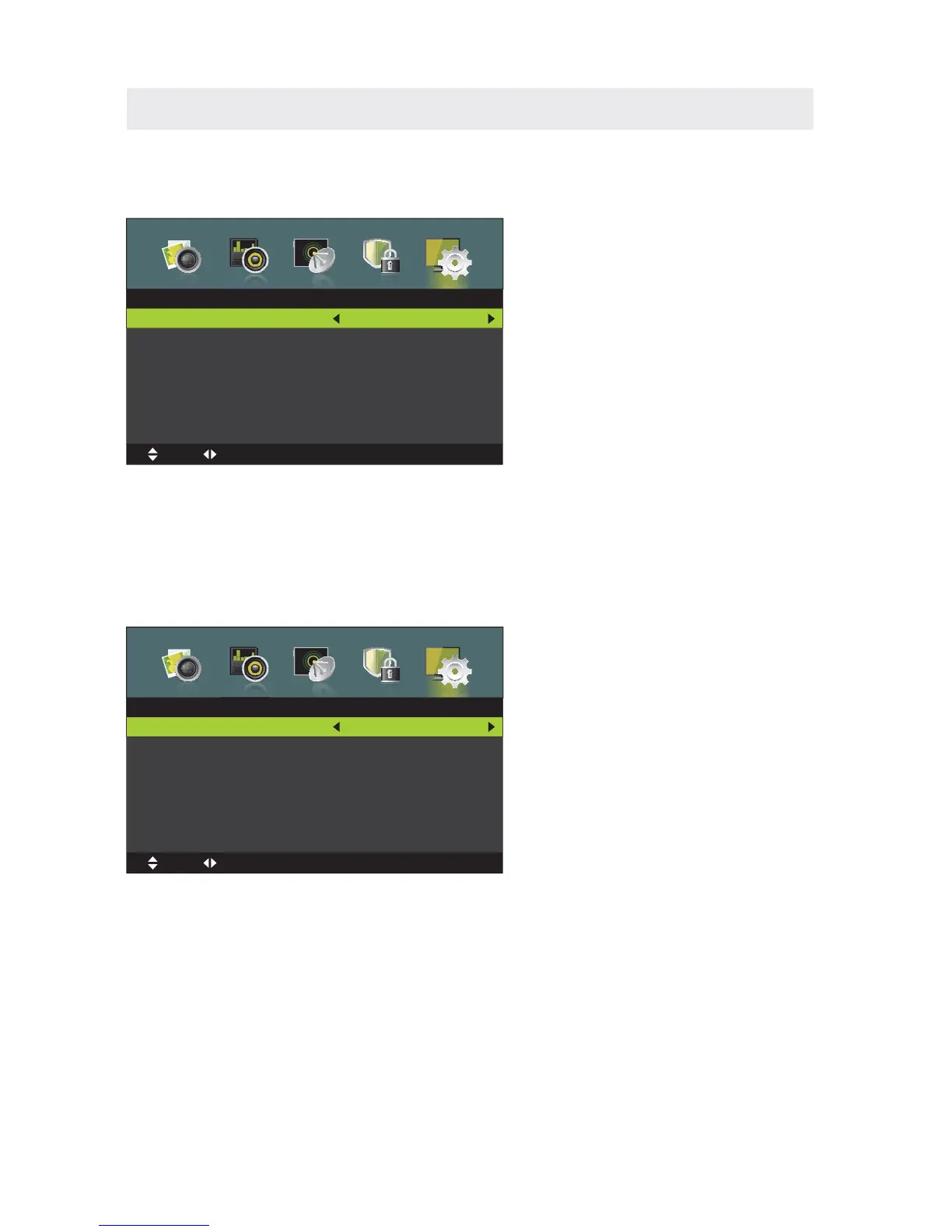
Press MENU button to display the main menu.
Press ◄ / ► button to select SETUP in the main menu,it will highlight the first option.
SETUP MENU
OSD LANGUAGE
This option changes the language of the TV's OSD menu.
AUDIO LANGUAGE
This option changes the language of the Audio frequency.
SUBTITLE
This option displays words on the TV.
Press / button to select Subtitle then press OK / ► button to enter submenu.,

,
Setup
OSD Language
Audio Language
Subtitle
Teletext
Time Settings
PVR Setting
First Time Setup
Reset
MENU:Return
EXIT
:Exit
Move
Adjust
English
Subtitle
Mode
Subtitile Primary Language
Subtitle Secondary Language
Hearing Impaired
On
English
English
On
MENU:Return
EXIT
:Exit
Move
Adjust

Related product manuals