Using Your TV and Remote
With the DSS Receiver: Basic Operation
You may also be able to use the TV's remote with a DSS satellite receiver.
The DSS system uses the latest satellite technology to deliver television
programming to your home. DSS programs are broadcast in digital
format, with picture and audio quality similar to laser discs and CDs.
See your local DSS dealer for more information about the DSS System.
Follow the instructions below for basic operation of the receiver. You
may also want to experiment with other buttons on the remote to see if
they work with your receiver.
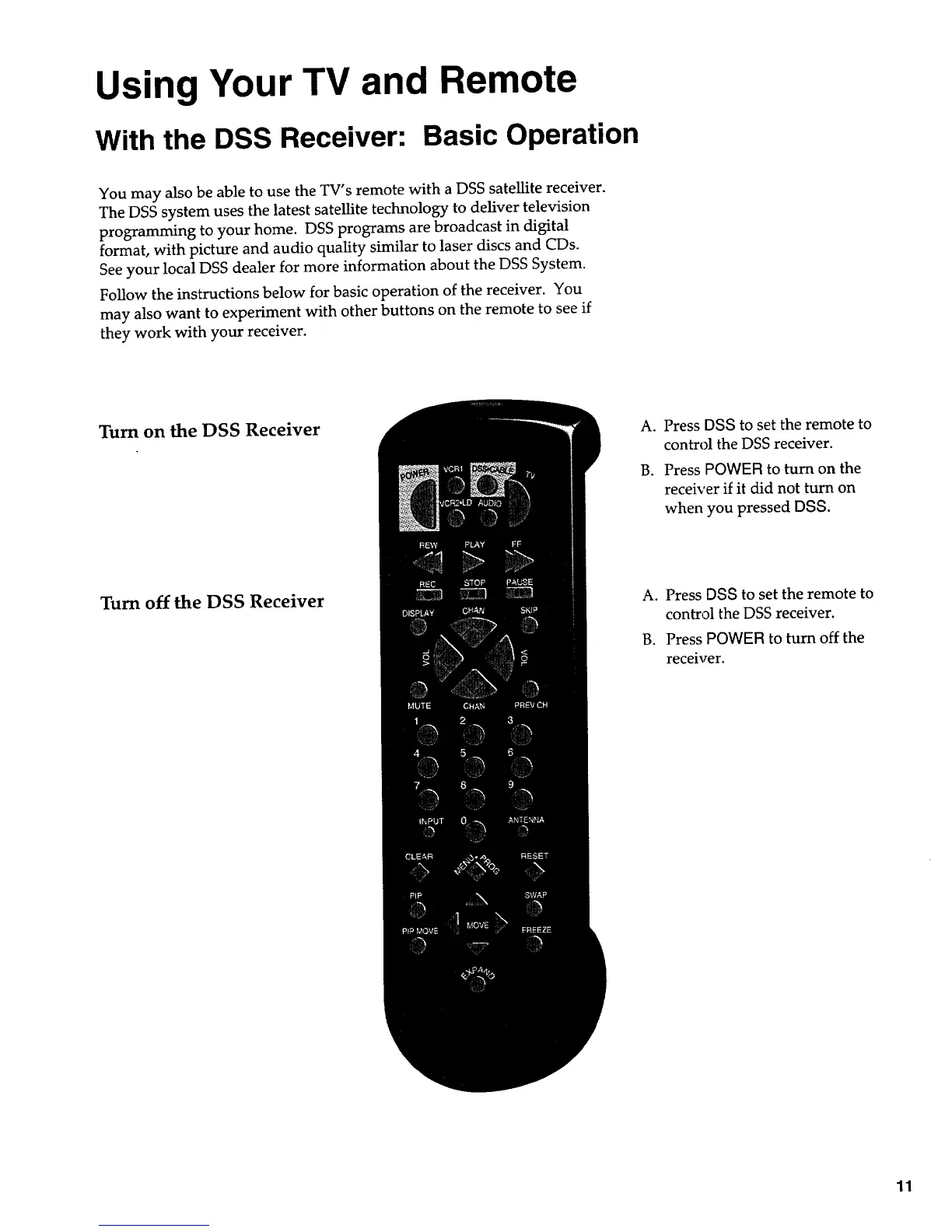
Turn on the DSS Receiver
Turn off the DSS Receiver
A. Press DSS to set the remote to
control the DSS receiver.
B. Press POWER to turn on the
receiver if it did not turn on
when you pressed DSS.
A. Press DSS to set the remote to
control the DSS receiver.
B. Press POWER to turn off the
receiver.
11


 To Next Page
 Loading...