Adjusting Your TV
Overall Picture
Follow the steps below to increase or decrease the contrast in the picture.
The picture function will lighten or darken the overall picture when
adjusted, without changing the color levels.
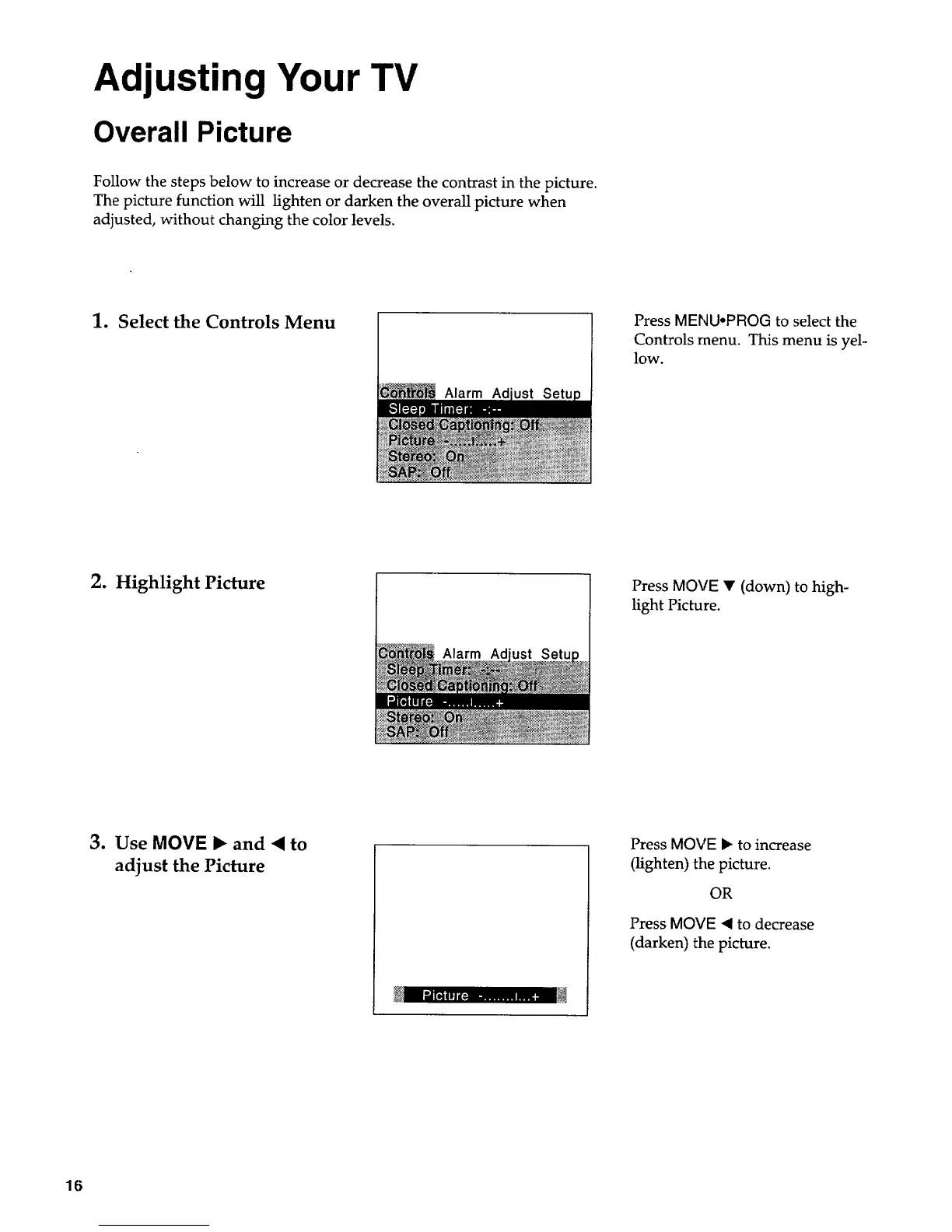
1. Select the Controls Menu
Alarm
Press MENU.PROG to select the
Controls menu. This menu is yel-
low.
2. Highlight Picture
Alarm Ad
Press MOVE • (down) to high-
light Picture.
3. Use MOVE 1_ and • to
adjust the Picture
Press MOVE I_ to increase
(lighten) the picture.
OR
Press MOVE ,( to decrease
(darken) tile picture.
16



 To Next Page