Quick Reference
Menu Operations with the Remote
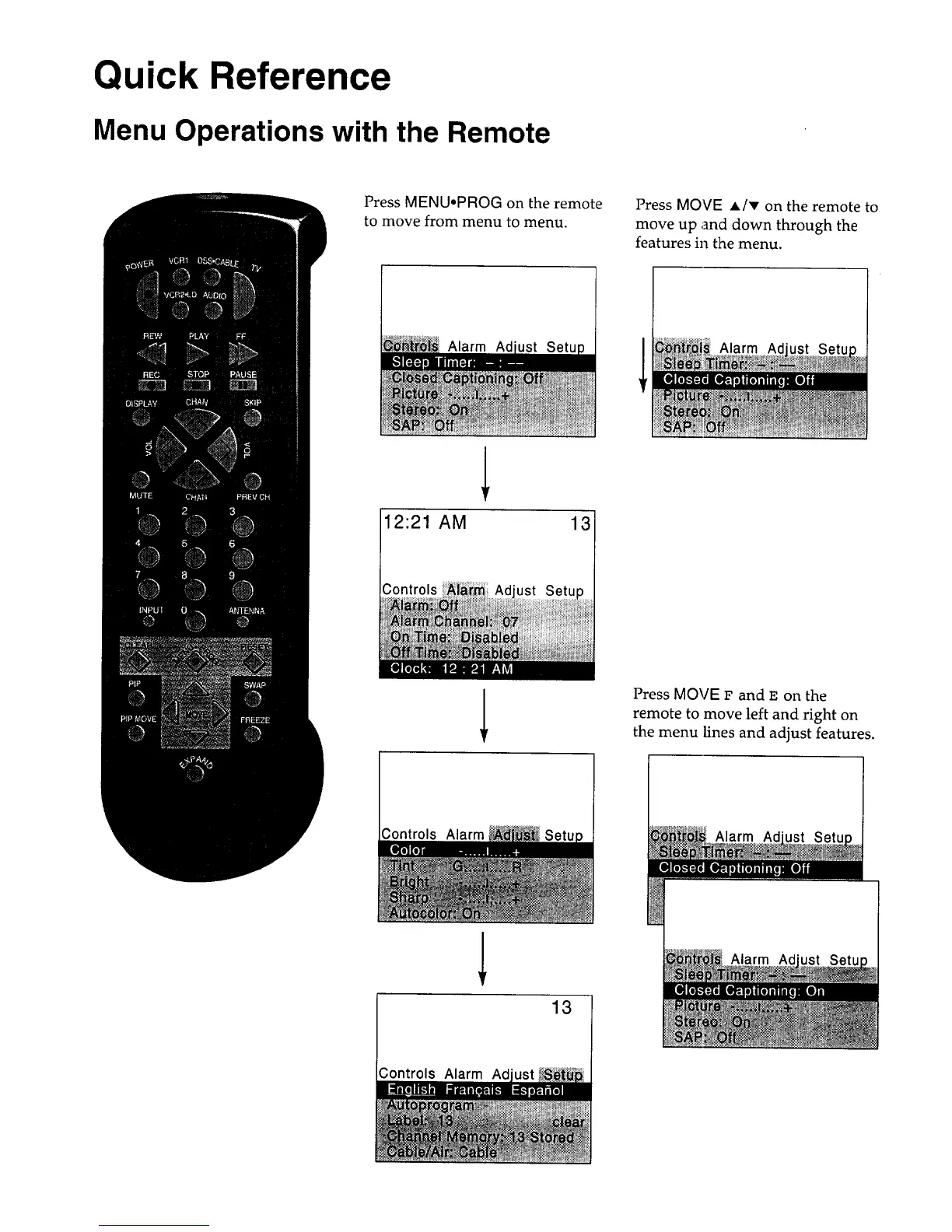
Press MENU,PROG on the remote
to move from menu to menu.
Press MOVE A/T on the remote to
move up and down through the
features in the menu.
Alarm Ad Alarm Ad
12:21 AM 13
)
Press MOVE F and _. on the
remote to move left and right on
the menu lines and adjust features.
Controls Alarm Alarm Ad
Alarm Ad
13
Controls Alarm Ad



 To Next Page