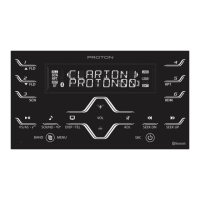
In the OFF state, it can be turned on; in
the ON state, it enters screen saver
mode
>1s turn off
>10s re-start
Continue to increase the volume
Continue to decrease the volume
Back to homepage from any pages.
For 2s and enter screen saver.
2.3 Touchscreen Operation
Tap: Activate an application, locate the progress bar and activate button
functions
Touch and hold: Enter mode for editing
Horizontal scroll or swipe: Move page to the left and right
Double tap with one finger
Squeeze inwards using two fingers (zoom in)
Squeeze outwards using two fingers (zoom out)



 To Next Page
 Loading...