11
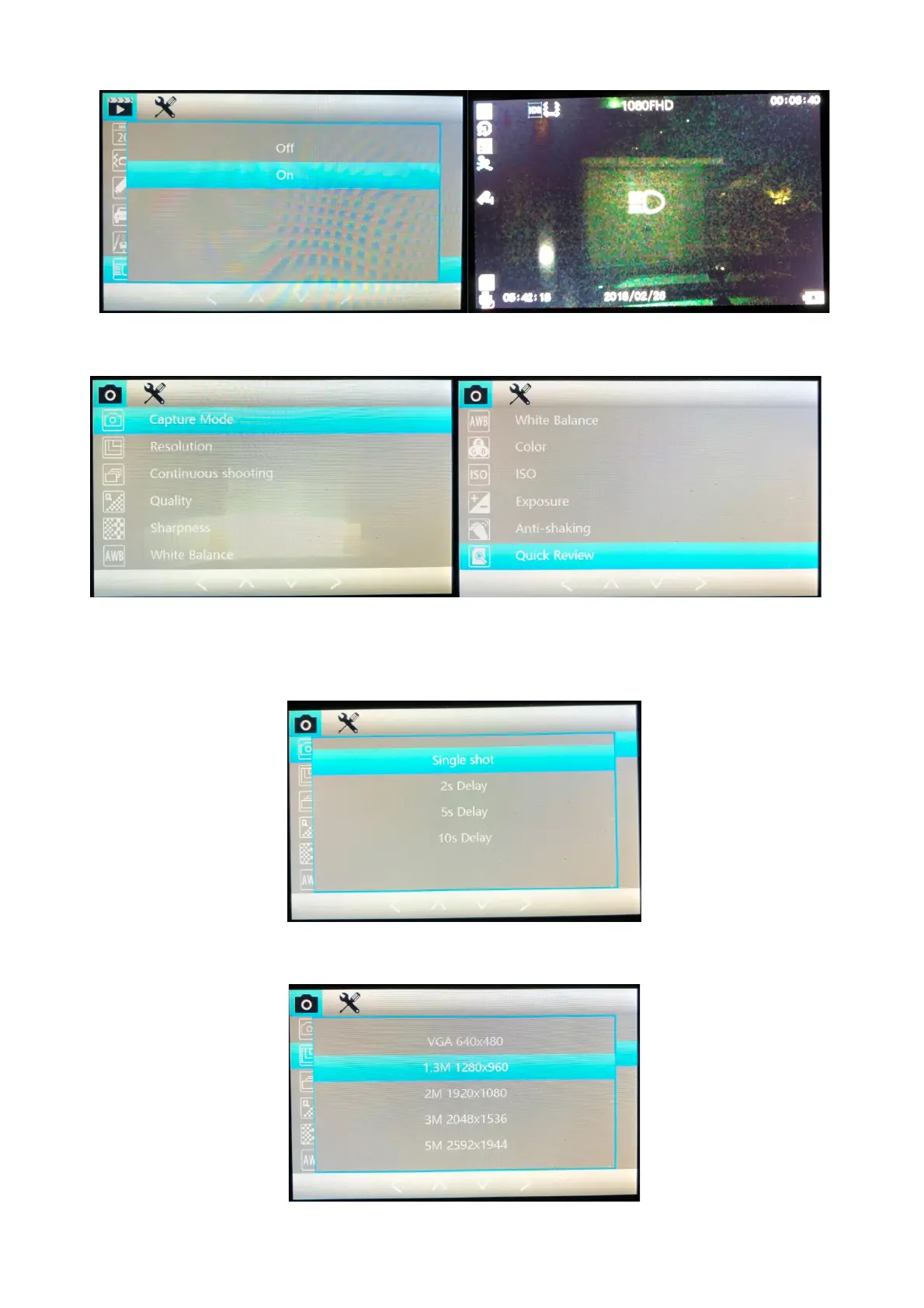
CAMERA MENU: Press Menu button whilst in camera mode to access the camera picture menu.
Capture Mode: Select how the Proze camera will capture a picture when you push the OK
button. Instant, 2 / 5 / 10 second delay. This will cause a delay between pushing ok and the
picture being taken.
Resolution: Select the Resolution of the camera for taking pictures, we recommend 5 megapixels
for highest quality, though lower quality use less space on the memory card.



 To Next Page