15
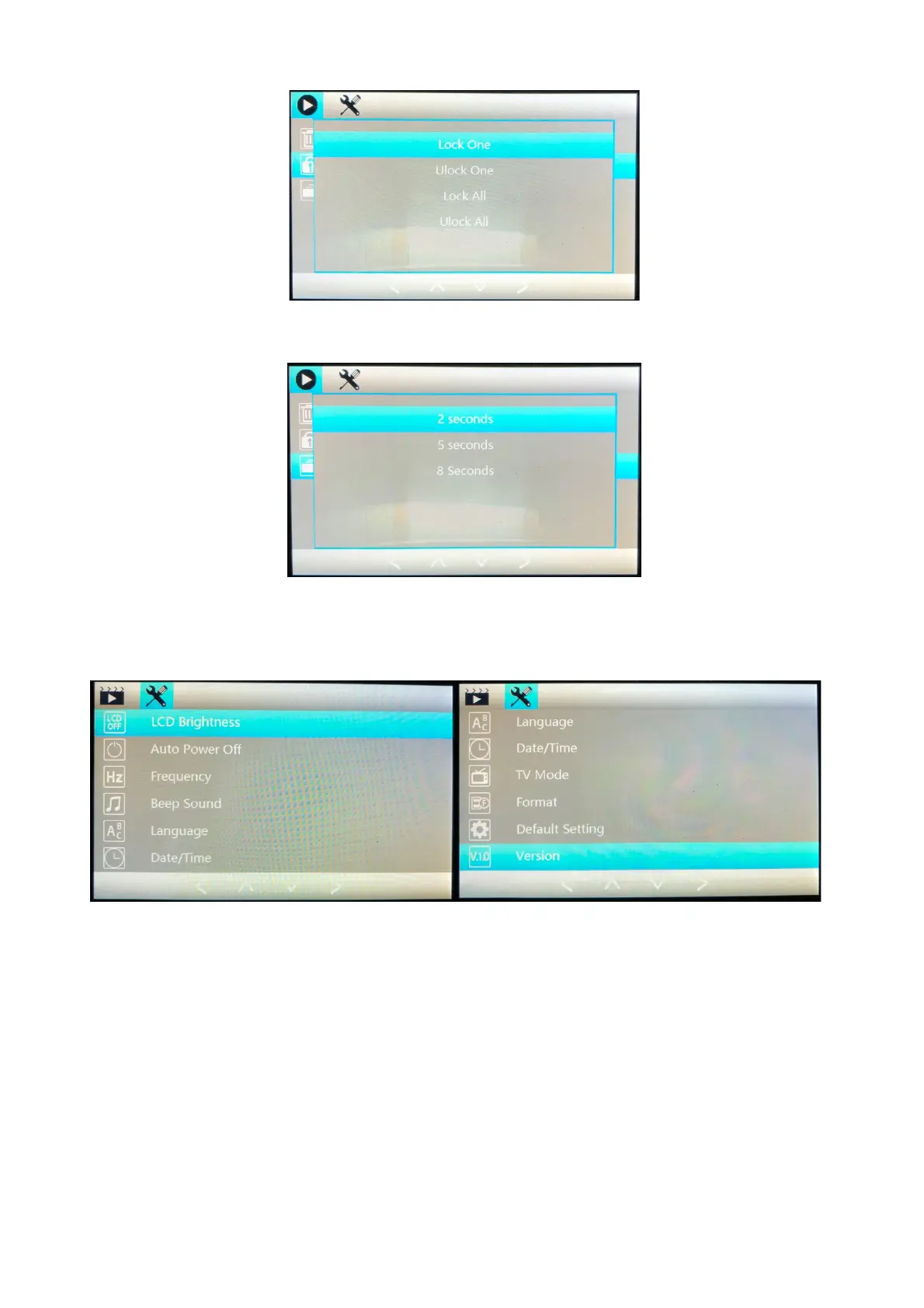
Slideshow: Create a slide show of all pictures / footage and select the duration you will see the
selected file for before the next is shown in slideshow.
SETTINGS MENU: From any of the previous Menus, press the menu button a second time to go
to the Main Dash Camera Settings Menu.
LCD Brightness: This enables you to turn off the camera screen whilst driving, so that it is not
distracting you. Select the time frame you would like the screen to stay on for after powering on.
EG. Select 30 seconds and after 30 seconds the screen will turn off, the camera will continue to
record, and all other functions will work. To confirm your selection, press OK, then you will need
to power off the camera and back on to use this function, it will not work until it has been
powered off. Press any key to wake the screen back up during recording.



 To Next Page