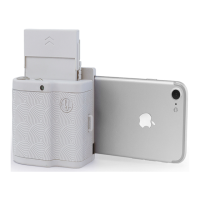
Wheel & Shutter Button
The Prynt Pocket transforms your phone into an instant camera. Zoom in and out by placing your
finger on the wheel and scroll left/right. Switch to the front or back camera on your phone and
press the shutter button down to take a photo.
Helpful tips
We put together some tips for you to keep in mind while you have fun with your Prynt Pocket.
● If the blue sheet is loaded, it will print before the photo.
● Don’t remove your phone when the device is printing.


 To Next Page