this will tend to reinforce the bass response and produce a satisfactory balance using less
bass equalization, allowing the speaker to play louder before distortion.
Switch settings:
The Phoenix has settings to allow you to adjust the tweeter level, and the amount of low
frequency energy. These are provided to let you tailor your speakers to your listening
environment. For example in a highly damped room, it may help to add just a little
additional high frequency energy. In a smallish room, where the speakers are moved into
the corners, it is generally helpful to cancel the LF boost altogether.
Where to start:
In the average listening environment set the tweeter level switches to 0 dB. (both
switches in the center). Set the woofer EQ switch to the low boost mode, (Down) and just
listen to your speakers for a couple of days. The woofers in your new speakers need to
break in for a few days to achieve their excellent bass response, so delay your critical
adjustments until then.
Available Tweeter settings:
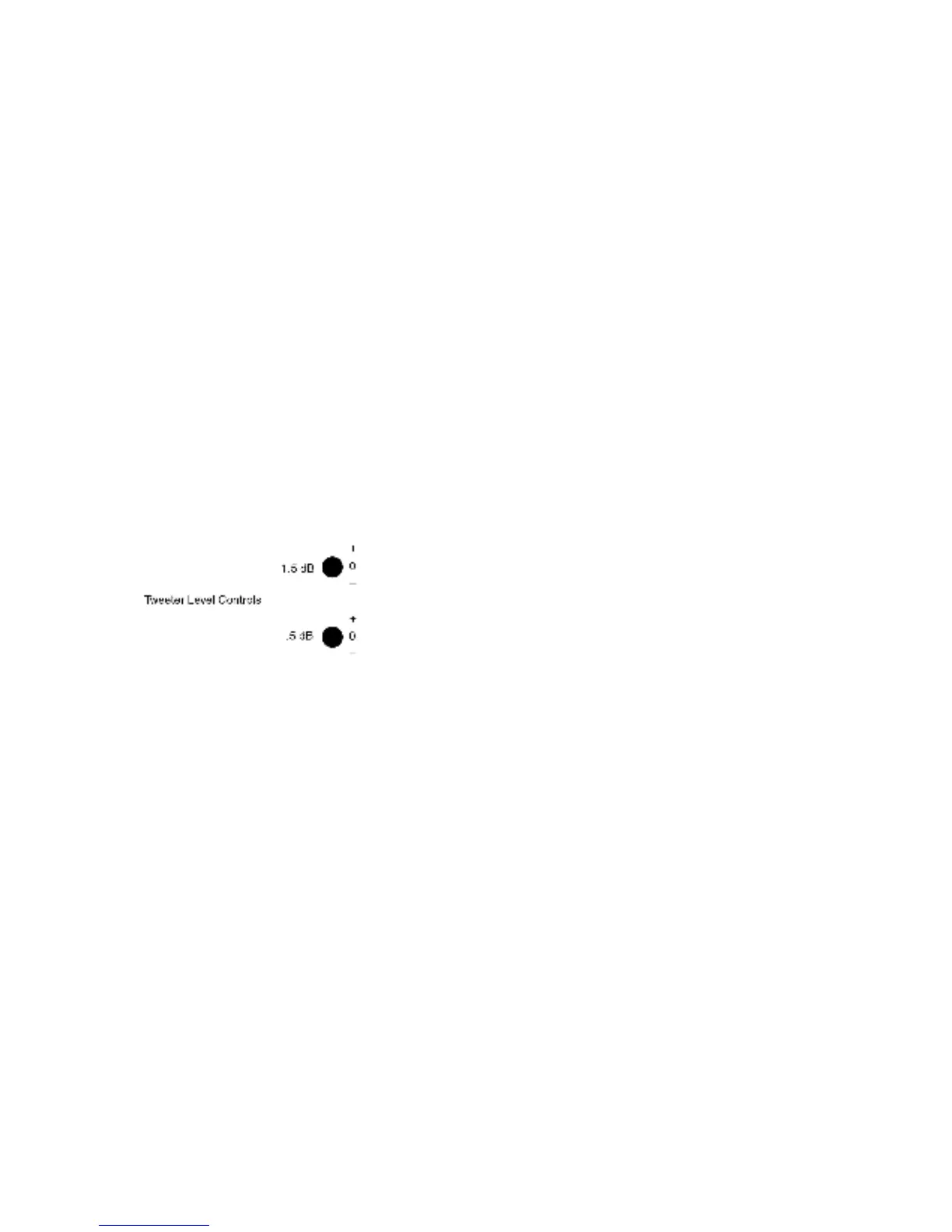
Setting the 1.5 dB switch up adds 1.5 dB of tweeter level. Conversely setting it down
subtracts 1.5 dB of tweeter level. A little thought will allow you to select any setting from
plus 2 dB to minus 2 dB of tweeter level in ½ dB increments. For example to achieve 1
dB of boost select up on the 1.5 dB switch and down on the .5 dB switch. In the center
position the switches have no effect. This is summarized in the chart below.
1.5 dB Switch Setting
Up Up Up Center Center Center Down Down Down
.5 dB Switch Setting
Up Center Down Up Center Down Up Center Down
Total Adjustment in dB 2 1.5 1 0.5 0 -0.5 -1 -1.5 -2
If your room has little in the way of absorbent furniture drapery or carpeting, your may
find that you prefer a little less tweeter level, conversely in a very dead room, you may
like a little more tweeter. There is no absolutely right setting. High frequency response is
a function of the total energy received by your ears, and varies from room to room.
Whatever sounds right is right.


 To Next Page
 Loading...