www.pulse-audio.co.uk | APB Series User Manual
If the internal protection circuitry detects a fault in the speakers or amp, the channel(s) will enter Protect Mode and red
“PROTECT” LEDs will illuminate on the front panel to show this. Switch the amplifier off and check the entire system
(including leads) before powering up again. If still in Protect Mode, seek advice from qualified service personnel.
Before powering down, turn the channel gain controls fully down to avoid loud noises when switching off.
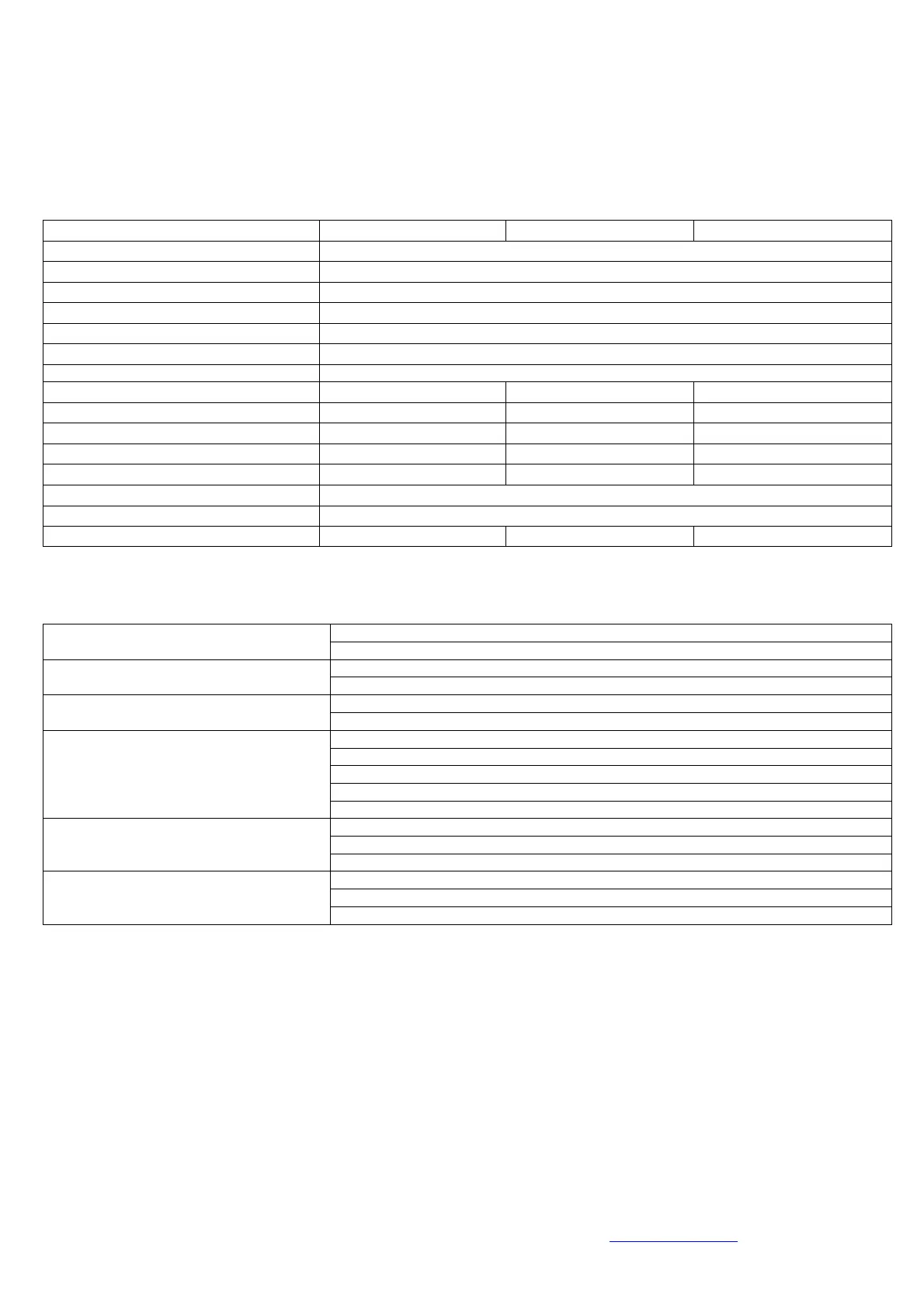
Specifications
CH1 gain, CH2 gain, ground, compress, mode
Total harmonic distortion
Short-circuit, overload, D.C. and thermal protect
Short-circuit, DC, Overload, Boot-strap short test
Ensure IEC inlet is connected to mains and lead is in good condition
No power light on either channel
Ensure mains outlet is switched on
Check input signal and connection leads
Power lights on but no other LEDs and no
output
Ensure channel gain controls are not turned fully down
Check speaker cabinets are in good working order
Power light and Signal LEDs are lit but no
output
Check speaker leads are in good condition and connected properly
Switch off and disconnect from mains
Check speakers are in good working order and not shorted out (using a multi-tester)
After checking all connected items, power up again
If still in Protect Mode, switch off again and refer to qualified service personnel
PROTECT LED is lit and there is no output
Ensure cooling vents are clear and amplifier is not overheated
Check the speaker impedance is not below 2Ω per channel (4Ω if bridged)
Turn down the input level from audio source
Output is very distorted and “CLIP” LEDs
are lighting
Turn down channel gain controls
Ensure input source is at line level
Increase input level from audio source
Output is working but at very low level
Turn up channel gain controls
Errors and omissions excepted.
Copyright© 2014. Pulse


 To Previous Page
 Loading...