14
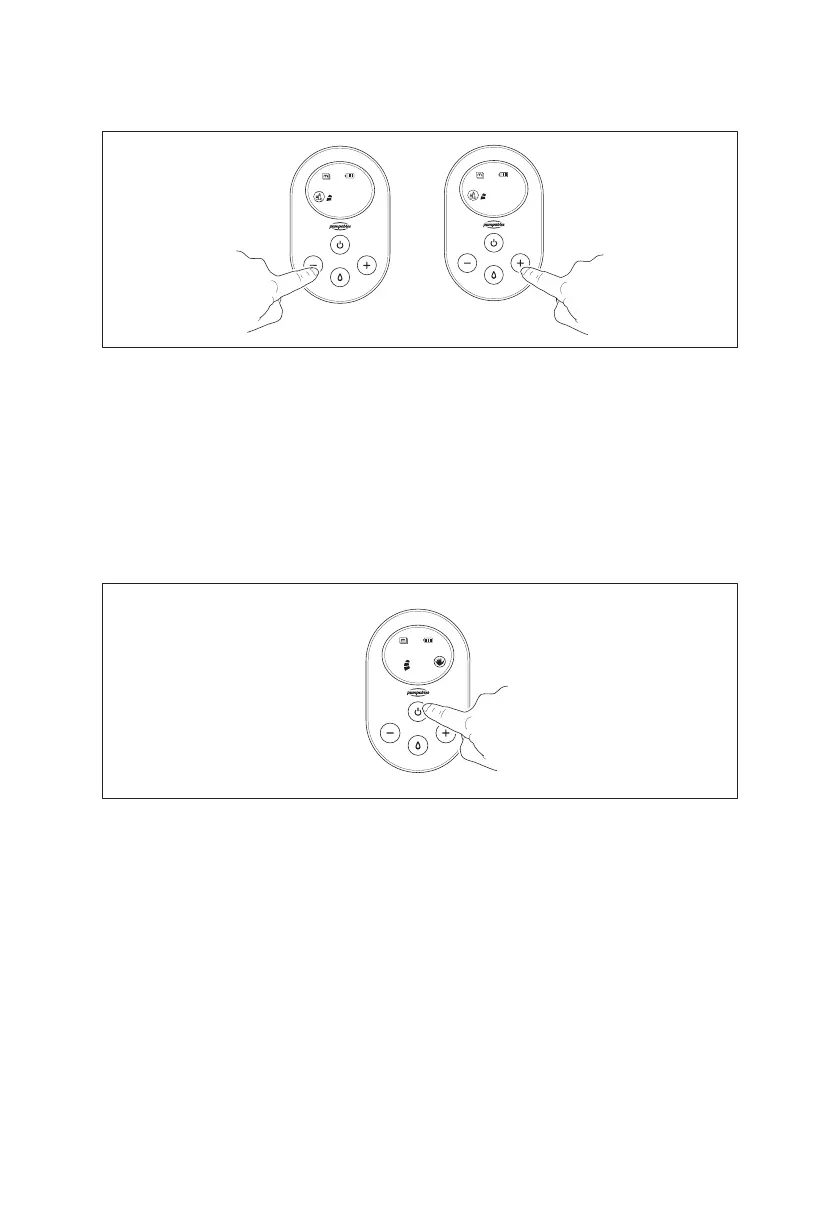
In expression mode, you can choose
one of three cycle speeds for each
vacuum level.
Hold the + button for 1 sec. and the
speed will appear on the screen. Press
and hold the + button again for 1 sec.
to increase the speed for the current
vacuum level. Press and hold the -
button for 1 sec. to decrease the speed
for the current vacuum level.
Change Cycle Speed in Expression Mode
cy:08
2
cy:08
2
Press the Power button for 2 seconds
to activate the Memory function. The
Memory icon will start flashing, and the
pump will start recording your pump-
ing session.
Adjust the settings during your pump-
ing session as best suits you.
Press the Power button for another 2
seconds to stop recording.
The Memory icon in the screen shows
that your program has been stored.
Create Your Own Program
00:46
3



 To Next Page