__
MP02: checking for and installing software
updates
Important:
first back up the MP02’s Contacts data. See punkt.ch for information on how to do
this.
Required
: a Wi-Fi connection. (A SIM is not needed.)
This process uses Over The Air (OTA) technology.
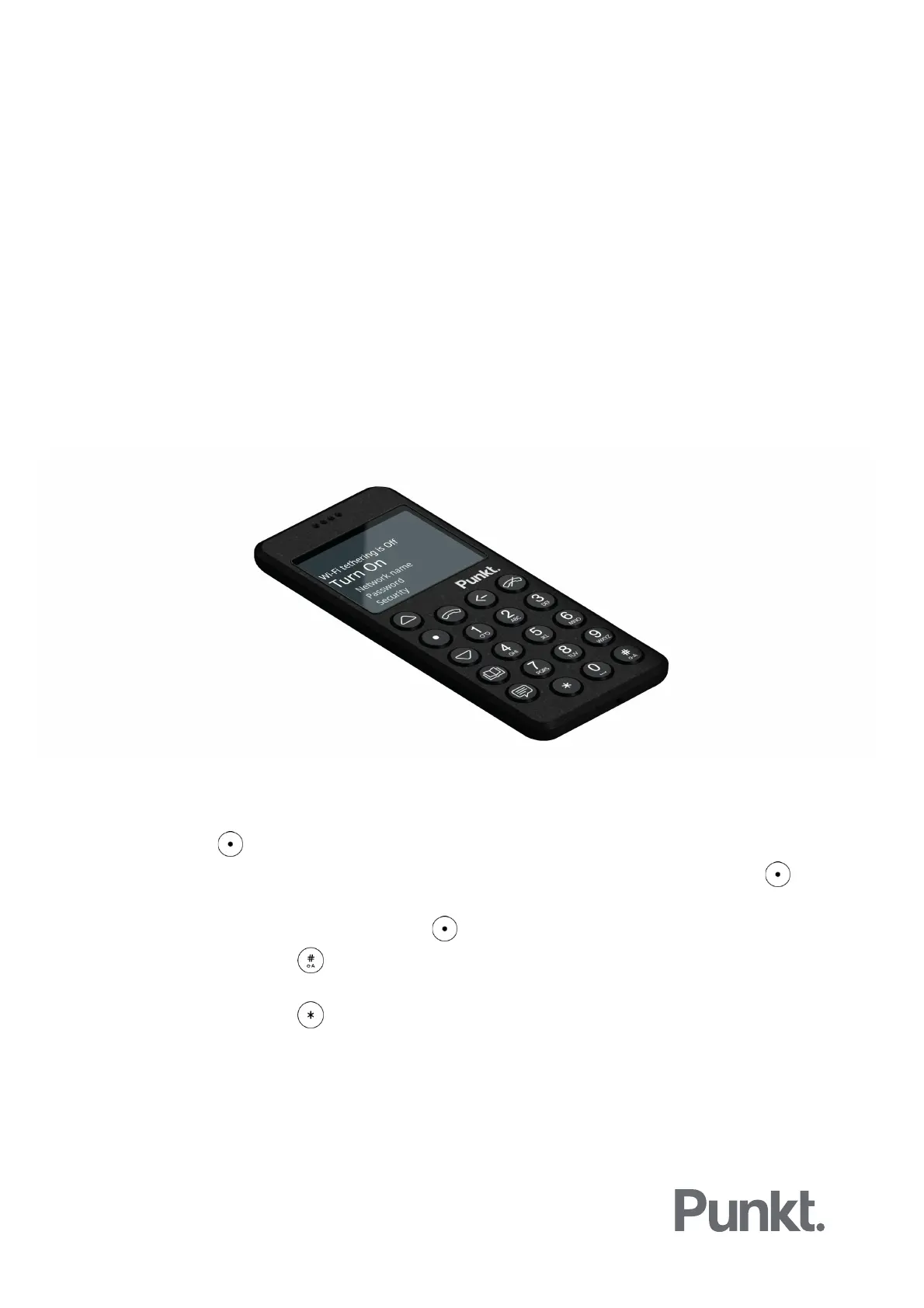
1. Connect the MP02 to the Internet via a Wi-Fi hotspot.
a) Press the key, and then Settings/Connectivity/Wi-Fi/Turn on.
b) After a few moments, a list of available networks will appear. Select one and press to
confirm.
c) Enter the correct password and press to connect.
i. Pressing the key will toggle between predictive input, multi-tap characters and
numbers.
ii. Pressing the key enables the selection of symbols.
d) Confirm that you are connected: Status should now be “Connected”, with an indication of
signal strength out of a maximum of “5”.



 To Next Page